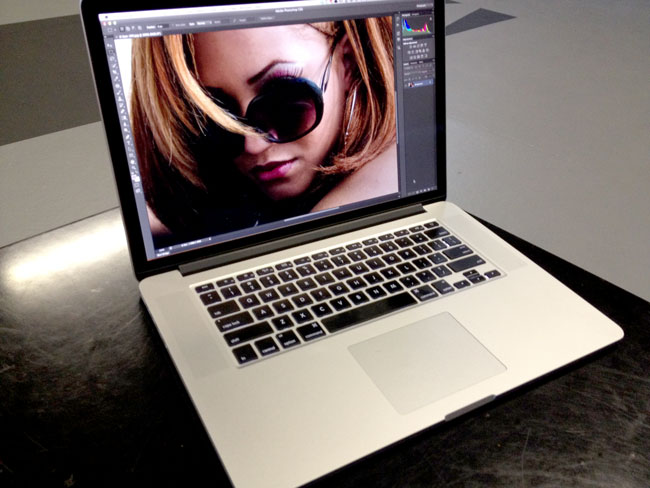
MacBook Pro Retina Display 1st Impressions

Many of you have been asking me about my impressions of the new MacBook Pro Retina Display from a “Photographer’s Perspective” and I’m not quite ready with that review yet. However, I have done my 1st review and given my overall impressions of it, which you can read here. The reason that I’m not really ready to talk about it from a photographer’s or even a designer’s perspective yet is that to be fair we really have to wait for Apps to be updated to take advantage of this (Hi-DPI) display. While Apple did showcase a “future” version of Photoshop CS6 on stage, that version is not quite ready for distribution yet.
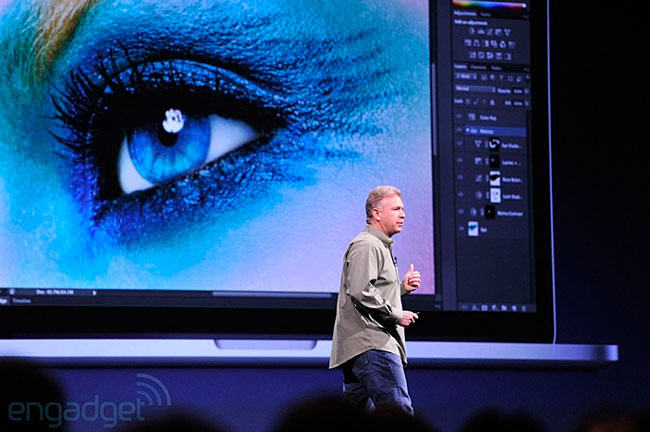
 

photo credit – Engadget.com

We’re also waiting on Lightroom, InDesign and Illustrator. What I can say now is that while the current CS6 versions haven’t been updated yet, they do work just fine and I have no problem using them in my daily routine.
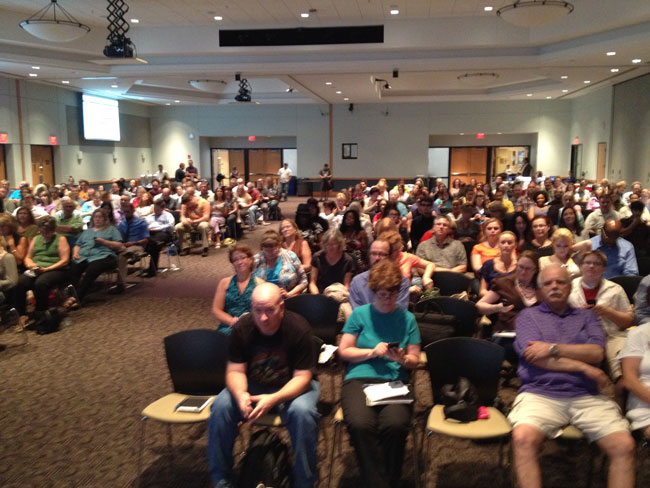
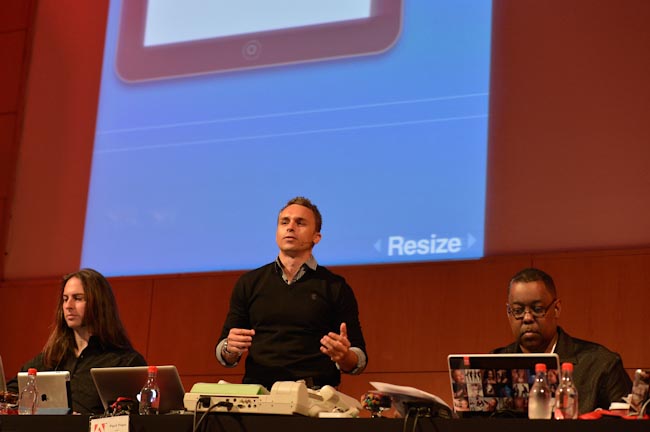
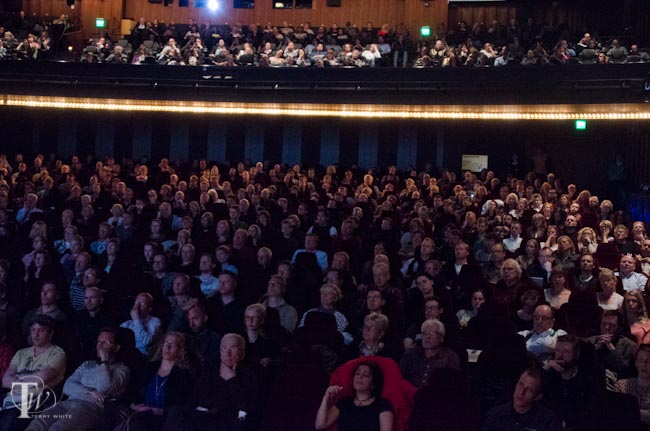
As a matter of fact I’ve completely switched over to the New MacBook Pro Retina Display and used it on stage during my Detroit InDesign Users Group meeting last week without any issues. I did my entire demo including Photoshop CS6, Bridge CS6, Illustrator CS6, InDesign CS6, Acrobat Pro X, and Adobe Muse. I figured that there was no better way to really test its capabilities than to do a full blown demo on stage in front of 200+ people 🙂 Crazy=Brave. I didn’t even bring the old one as a backup. It all worked perfectly!

How do non-Hi-DPI apps look?

That’s the question you’re probably wondering about and I have to say that while not as crisp as a native Hi-DPI app would look, these apps don’t don’t look bad at all. At least not as bad as I feared. Sure they are a little “soft” and if you zoom in in Photoshop you’ll see more jaggies around the edges, but even with these annoyances, I have no problem doing my day to day work including photo retouching. I actually feared that it would be unusable and I’d have to keep using my other MacBook Pro until the updates came out. I’m glad that that turned out to not be the case (Y.M.M.V. – I can’t tell you how YOUR eyes will perceive ANY display. You really have to see YOUR work on a display that you are considering and be YOUR own judge! I can only tell you works or doesn’t work for me.)

When these apps are updated for Hi-DPI life will be even better! So stay tuned for an updated review or second look once we have an update to Photoshop and perhaps some of the other apps. As a photographer you’re definitely going to want this USB 3 CF/SD Card Reader by Lexar.
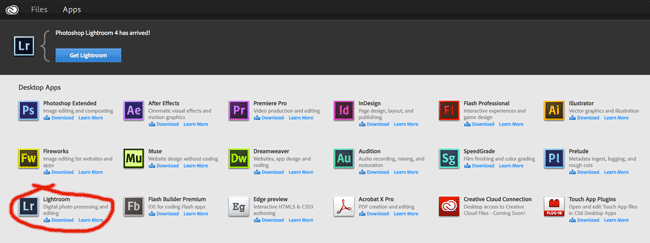

Adobe Lightroom 4 is Now Part of Your Creative Cloud Membership

Since the launch of Adobe Creative Cloud, my readers have been asking “When will Lightroom 4 be available to Creative Cloud Members?” The answer to that question is TODAY! That’s right, if you are a current Creative Cloud Member or you sign up from today forward, you can now also get Lightroom 4 in addition to all the other services.

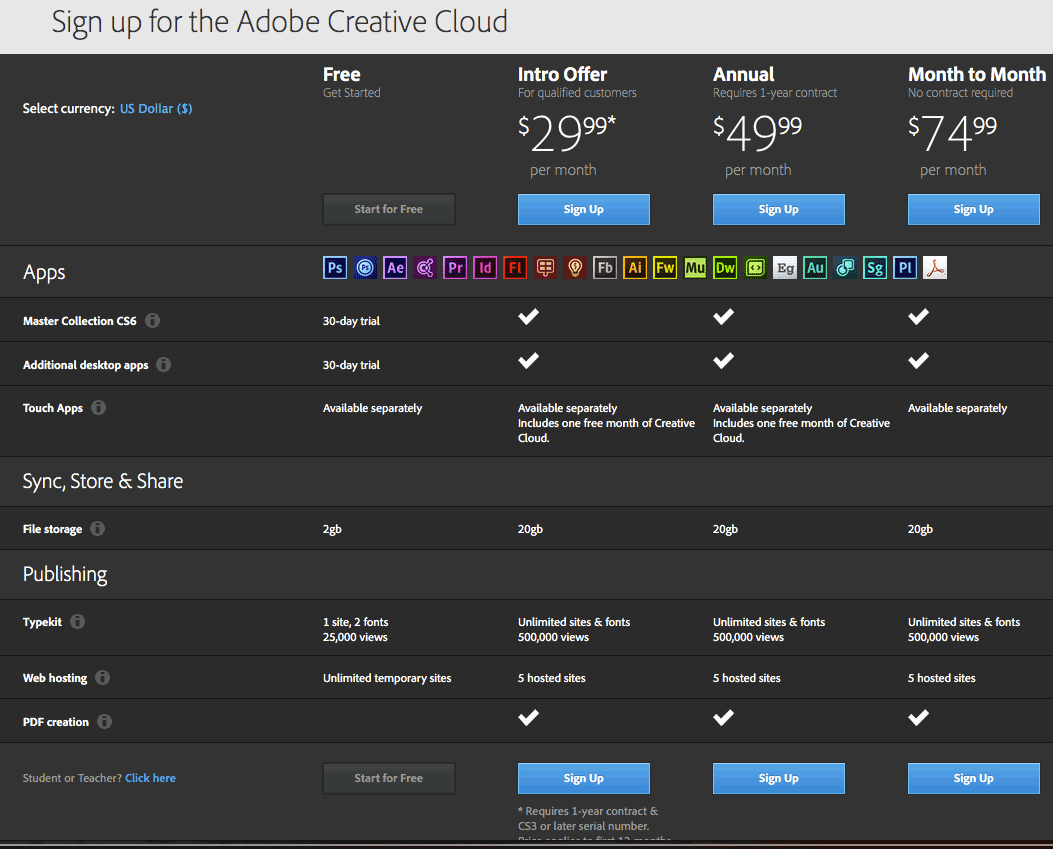
Creative Cloud will go for $49.99/month (with a 1 year commitment), but remember from now though August 2012 (time is running out) you can get your first year for only $29.99 if you’re an existing Creative Suite customer. This membership gets you access to all the Apps of Creative Suite Master Collection, Adobe Muse, Adobe Edge, Business Catalyst web hosting and now Lightroom 4.

Check it out here.

It won’t stop there! Creative Cloud members will continue to get additional benefits all year long.

Thank You South Africa!

What an amazing week I just had in South Africa! Johannesburg and Cape Town were the last two international stops of our Adobe CS6 and Creative Cloud World Tour and I must say that South Africa pulled out all the stops.

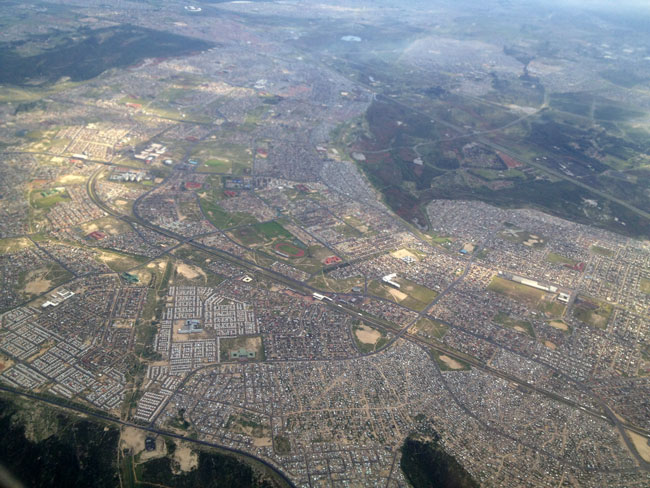
Flying over Johannesburg!

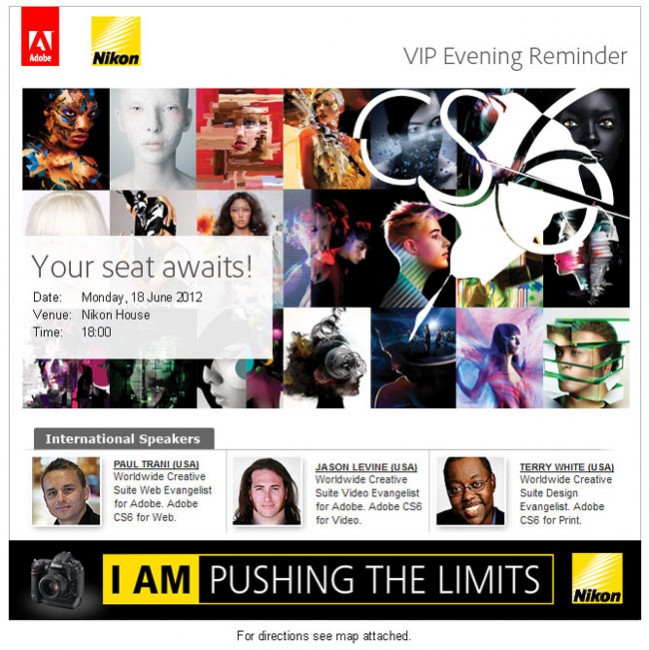
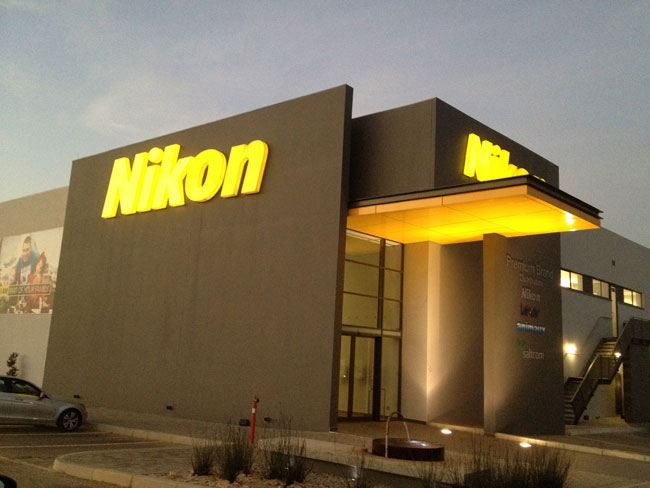
Kicking the week off with a special Nikon V.I.P. event at the Nikon South Africa Headquarters!

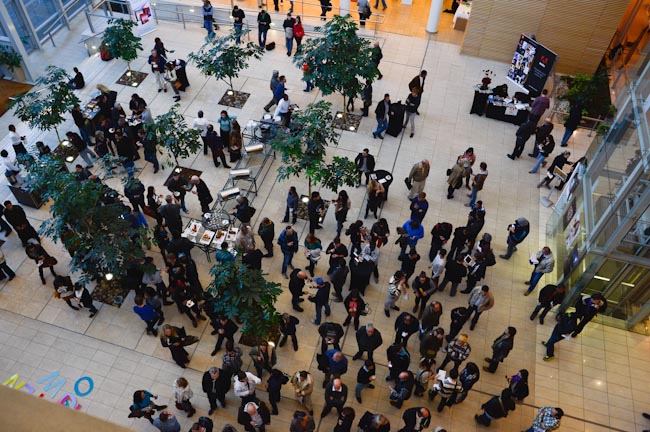
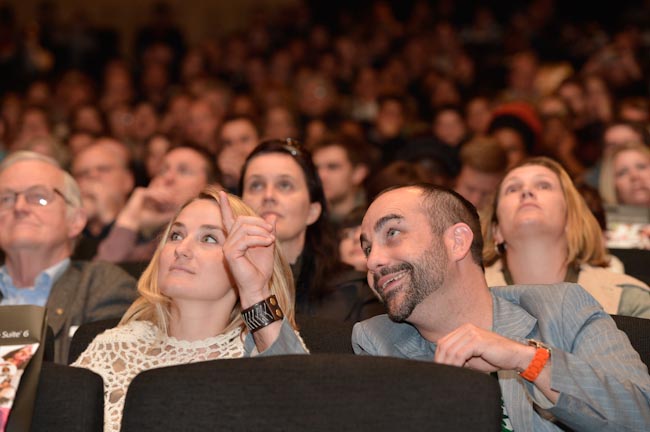
The crowds were great in both Johannesburg and Cape Town!

As you can see, they really got into Adobe CS6 🙂

Both cities offered a FULL DAY event and there was very little drop off by the end of the day.

Jason, Paul and I not only enjoyed our time presenting, but it was great to interact with you all live via social media.

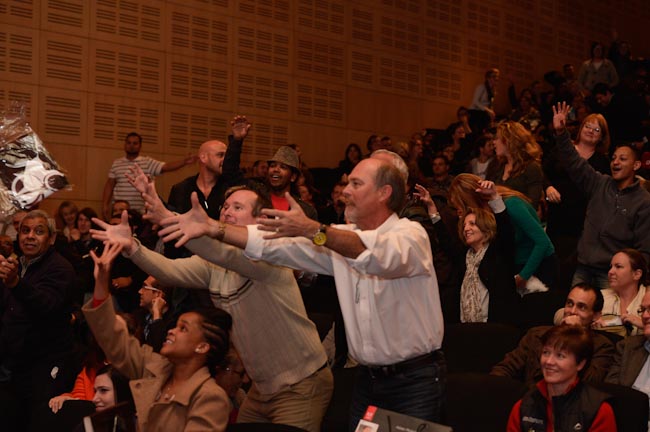
Of course free t-shirts are always fun to toss out at random.

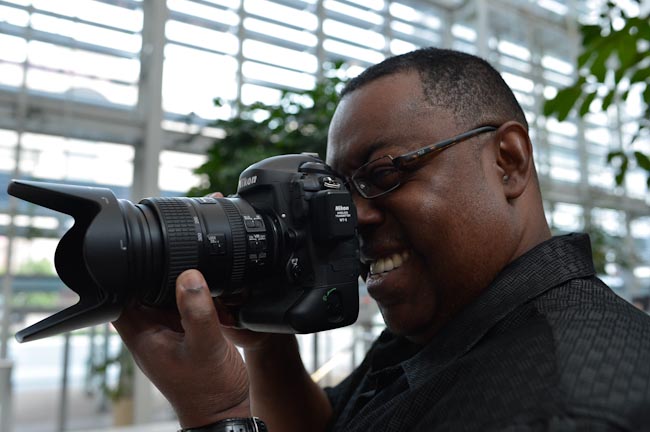
I gave my Nikon D4 a work out here in South Africa and this beast really performs.

It’s always great when fans come up and ask us questions.

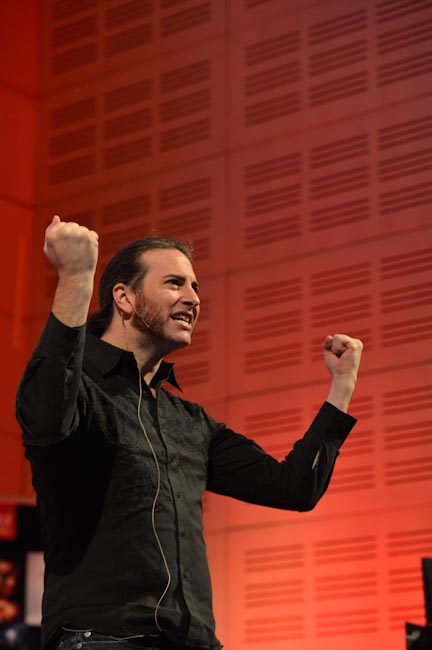
I must say that Jason was really getting into it. He’s is crowd activated and the South African crowds got him going. The hair came down and the spontaneous singing began. Good thing he’s a musician too 🙂

Continue reading “Thank You South Africa!”

iStockphoto Integrates with Adobe Creative Suite 6

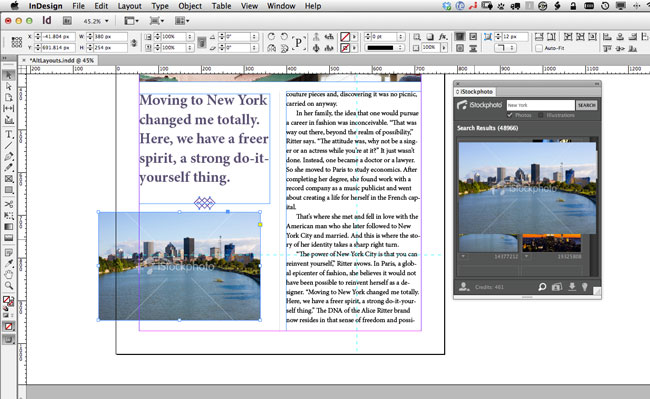
iStockphoto panel showing in InDesign CS6 and a drag and drop of a comp image right into the layout.

I use images (and now video and audio) from iStockphoto all the time. In many cases the images I’m using are for blog posts, however there are times when I’ll use stock photography for layouts too. iStockphoto is my service of choice and needless to say I couldn’t be more excited to find out that they now have plug-ins/Extensions for both Photoshop and InDesign.

With the iStockphoto Extension installed I can do searches right inside Photoshop, Illustrator or InDesign for the images I may want to use. I can even drag and drop comps right from the panel into my documents. Since I’m logged in with my same iStockphoto account I can keep a check on my available credits as well as buy royalty free images right there on the spot to use.

There is no charge for the Extension. You can download it here. Once you install it, you can grab the panel from the Window-Extensions menu in either Photoshop, Illustrator or InDesign.

Thanks iStockphoto for making the design process a little easier!

How To Create Photo Slideshows for Your Website With Adobe Muse

In this episode of the Adobe Creative Suite Podcast Terry White shows How to Create A Photo Slideshow For Your Website With Adobe Muse. Whether you’re a photographer or just someone who wants to put a photo gallery on the web, it couldn’t be easier than the steps you’ll see in this tutorial.

Are you missing out on my Bonus Content?

See more of my Adobe Creative Suite Videos on my Adobe Creative Suite Podcast and get the App here. It features EXCLUSIVE CONTENT that no one else gets to see. This episode has a BONUS CLIP that is available only in the App! My iOS App is a Universal App for iPhone, iPad and iPod touch. I also have an Android version:

Learn Adobe Creative Suite with Terry White - Wizzard Media

Adobe CS6 Creative Cloud World Tour – Thank You Helsinki & Stockholm

Wow! What a way to end the week. We presented Creative Suite 6 and Creative Cloud to over 1,200 people in Helsinki Finland and Stockholm Sweden while touring on the Adobe CS6 Creative Cloud World Tour. It’s always a treat for me to get out and see real users of our products and to see those users get excited about the new features of Creative Suite and the new options in Creative Cloud!

Now that Creative Cloud is available as well as the new Adobe Touch Apps we can show even more in the cities to come. Today we’ll be in Oslo Norway! Looking forward to seeing you this week and in the weeks to come.

Jason Levine once again put together a great clip with some customer testimonials….

I also got to spend a little down time off the grid in Sweden over the weekend thanks to my colleagues Fredrik and Jason!

Adobe Creative Cloud is Now Available

Although Adobe Creative Suite 6 shipped earlier this week, many were waiting on Creative Cloud as a way of upgrading to Creative Suite 6 for a low monthly cost with access to just about “everything!” That day has arrived as Creative Cloud is now available. Here’s a nice one page chart of the costs and what you get: Even if you don’t plan to go with a paid membership to Creative Cloud, you can still sign in and access your free Creative Cloud services here.
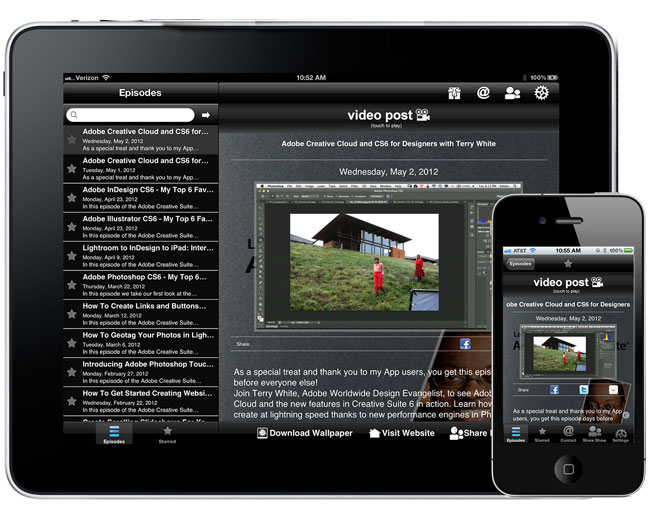
Watch the Replay of my Adobe CS6 & Creative Cloud for Designers Seminar in My App

As a way of saying Thank You and as an added perk for those of you using my “Learn the Adobe Creative Suite with Terry White” app, I’ve made the recording of my Adobe Creative Cloud and CS6 for Designers Webinar yesterday, available to you ahead of the rest of the world.

Watch Terry White, Adobe Worldwide Design Evangelist, to see Adobe Creative Cloud and the new features in Creative Suite 6 in action. Learn how you can create at lightning speed thanks to new performance engines in Photoshop Extended and Illustrator. See how to quickly create multiple layouts from a single set of content in Adobe InDesign CS6. And discover Adobe Muse, for designing HTML websites without writing code including 400+ web fonts served by Typekit that make it a breeze to include distinctive typography in your site design.

This presentation will go live on my podcast, YouTube and Adobe TV sometime next week for everyone else.

See more of my Adobe Creative Suite Videos on my Adobe Creative Suite Podcast and get the App here. It features EXCLUSIVE CONTENT that no one else gets to see.  My iOS App is a Universal App for iPhone, iPad and iPod touch. I also have an Android version:

Learn Adobe Creative Suite with Terry White - Wizzard Media

Join Me for a LIVE Online Webcast: Adobe Creative Cloud For Designers

Tomorrow (May 1st, 2012), I will be hosting two LIVE online sessions: Adobe Creative Cloud For Designers:

Tuesday May 1, 2012 at 10am Pacific and 5pm Pacific (GMT -7), 1PM and 8PM Eastern (GMT -4)

Join Terry White, Adobe Worldwide Design Evangelist, to see Adobe Creative Cloud and the new features in Creative Suite 6 in action. Learn how you can create at lightning speed thanks to new performance engines in Photoshop Extended and Illustrator. See how to quickly create multiple layouts from a single set of content in Adobe InDesign CS6. And discover Adobe Muse, for designing HTML websites without writing code including 400+ web fonts served by Typekit that make it a breeze to include distinctive typography in your site design.

It’s FREE, Register Here

Wow (aka ¡¡moM) Gracias Ciudad de México

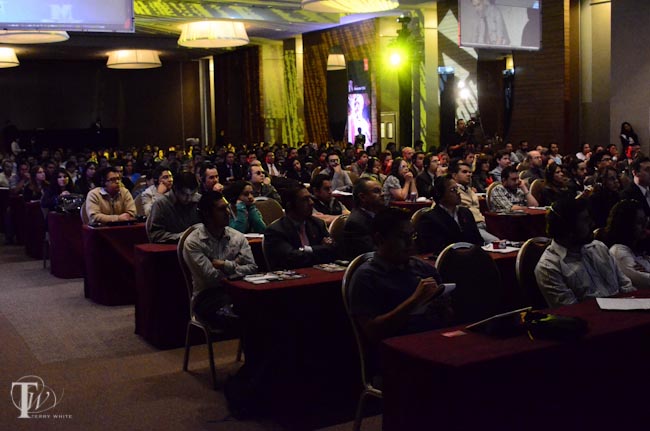
Although I’m on the go again, I had to take a moment to thank the great people of México City for coming out to our Adobe CS6 and Creative Cloud launch event!

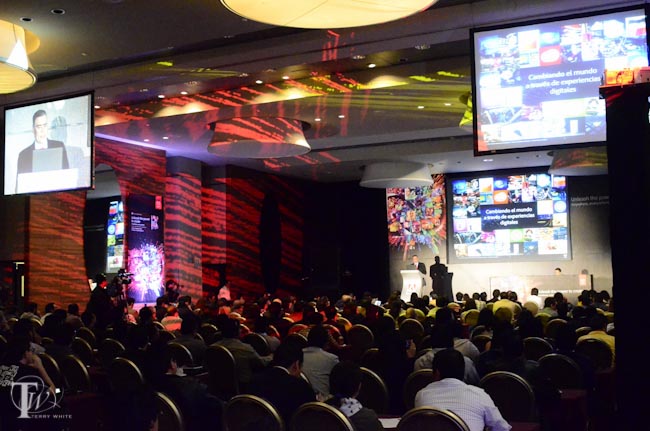
On behalf of Greg Rewis, Paul Trani and myself, you made us feel very welcomed and we had a great time showing off Adobe CS6 and Creative Cloud. México City came out in full force and filled the venue. Although the event was several hours in length, practically everyone stayed till the end!

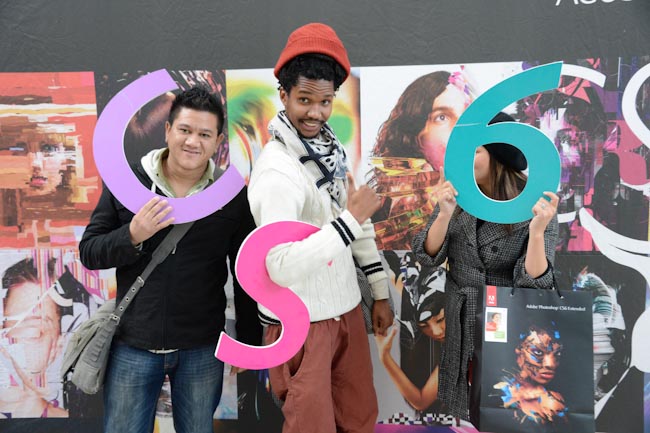
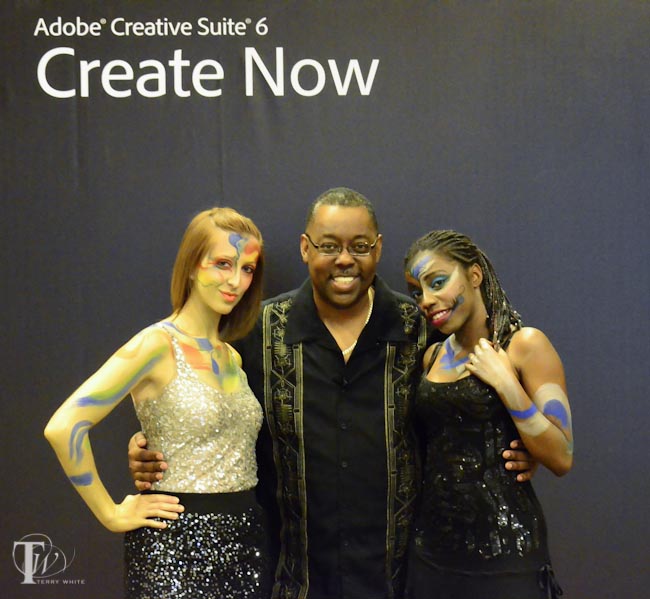
It was also a nice surprise to see Adobe Mexico go all out and get into the theme of CS6 with their very own CS6 Models

No matter how much time we have to present there are always things that we don’t get a chance to show. Therefore be sure to check out my Adobe Creative Suite Video Podcast and Adobe TV.

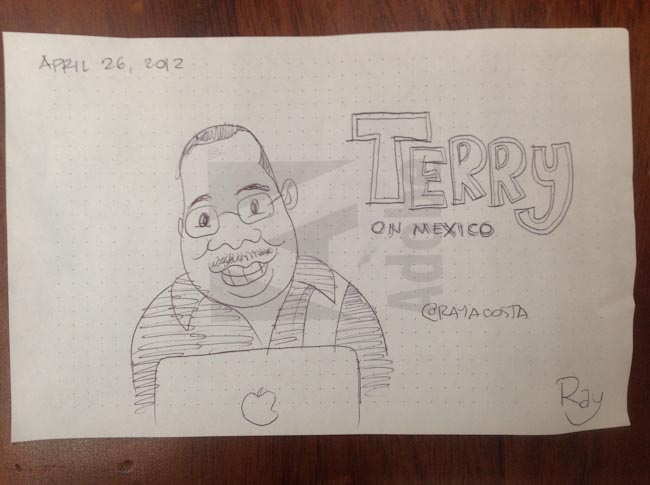
Imagine my surprise when someone handed me this sketch by @rayacosta! I was both flattered and honored. Thanks Ray!

This was a great start to the CS6 Tour, Thanks both São Paulo and México City! Home for a couple of days and then off to Europe, Argentina, Chile and South Africa! Stay tuned to the events section on the sidebar of my blog for details.