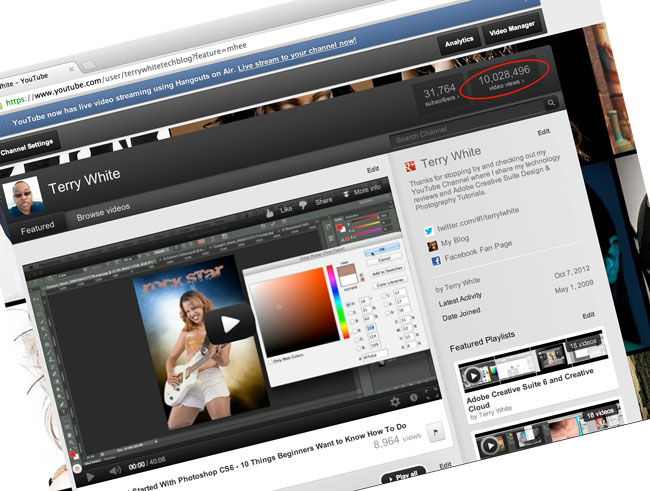
I just wanted to take this opportunity to thank you for making my YouTube Channel such a huge success! Over the weekend I surpassed 10 Million Views of my YouTube videos and that’s quite the accomplishment. It also encourages me to continue making the videos that you want to see. You can subscribe here.
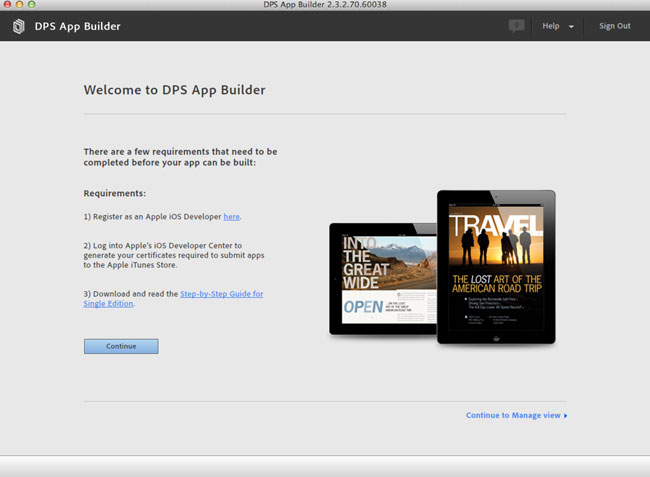
The Adobe Creative Cloud offering just got a whole lot sweeter! Adobe has made the Digital Publishing Suite Single Edition (DPS SE) available to Creative Cloud Members offering them the ability to create an UNLIMITED number of iPad Apps at no additional cost. Build your Folio in InDesign CS6, use the newly update “Create App” feature of the Folio builder, which generates a .ipa (iOS App) file, upload your App to Apple or simply deploy on your provisioned iPads.
In this episode of the Adobe Creative Suite Podcast Terry White shows how to use InDesign to create iPad Apps without writing code. See the complete process from InDesign to the App running on my New iPad.
Are you missing out on my Bonus Content?
See more of my Adobe Creative Suite Videos on my Adobe Creative Suite Podcast and get the App here. It features EXCLUSIVE CONTENT that no one else gets to see. This episode has a BONUS CLIP that is available only in the App! My iOS App is a Universal App for iPhone, iPad and iPod touch. I also have an Android version on the Amazon App Store:
In this episode of the Adobe Creative Suite Podcast Terry White shows how to use Collections in Lightroom 4. Learn how to manage your photos better and how to use all the Collection types that Lightroom 4 offers.
Are you missing out on my Bonus Content?
See more of my Adobe Creative Suite Videos on my Adobe Creative Suite Podcast and get the App here. It features EXCLUSIVE CONTENT that no one else gets to see. This episode has a BONUS CLIP that is available only in the App! My iOS App is a Universal App for iPhone, iPad and iPod touch. I also have an Android version:
It’s that time of year again. It’s time to head out to one of my favorite shows – Adobe Photoshop World. As usual I have a slew of classes that I’m teaching on a variety of topics. Everything from using the iPad in your Digital Photography Workflow, to InDesign classes for Photographers and Designers, to Importing and Managing your Images in Lightroom 4. Also while I’ve got your attention, the class that I’m doing on creating Interactive Portfolios is based on using InDesign to create Interactive Portfolios for Tablets, not websites.
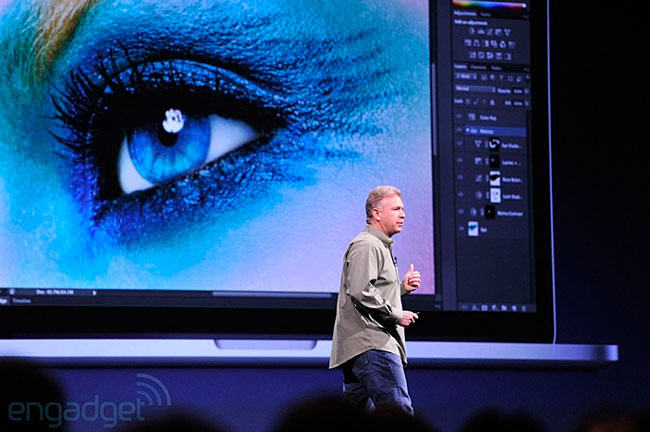
We are excited to announce our plans to optimize a selection of our products to display your content on HiDPI displays, including the Retina Display available on the new MacBook Pro! Learn more on our blog
We’re very excited to announce the release of a new set of Adobe Illustrator features exclusively to Adobe Creative Cloud members and customers subscribed to Illustrator. These new features are being released to Creative Cloud members now, delivering on our promise that Creative Cloud members will get early VIP access to our latest innovations, including new features in our desktop software.
The three new features are focused on improving productivity, and will let you automatically package Illustrator projects and their related files for fast and accurate hand-offs, quickly unembed images that have been placed and embedded into Illustrator files, and more efficiently access information in linked files. To get these updates, just open Illustrator, and from the main menu, choose Help > Updates. Or download Illustrator for the first timehere.
To learn more visit the Illustrator or Creative Cloud product pages. If you aren’t a Creative Cloud member, or are signed up for the free Creative Cloud membership and want access to these Illustrator features, you can become a paid member here. Current Creative Suite customers can join Creative Cloud and get 40% off their first year of membership, and pay just US$29.99 per month for the first 12 months. See if you qualify.
Are you missing out on my Bonus Content?
See more of my Adobe Creative Suite Videos on my Adobe Creative Suite Podcast and get the App here. It features EXCLUSIVE CONTENT that no one else gets to see. This episode has a BONUS CLIP that is available only in the App! My iOS App is a Universal App for iPhone, iPad and iPod touch. I also have an Android version:
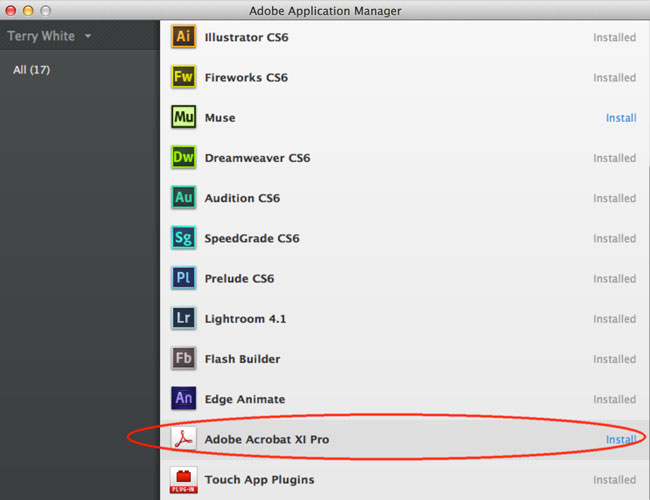
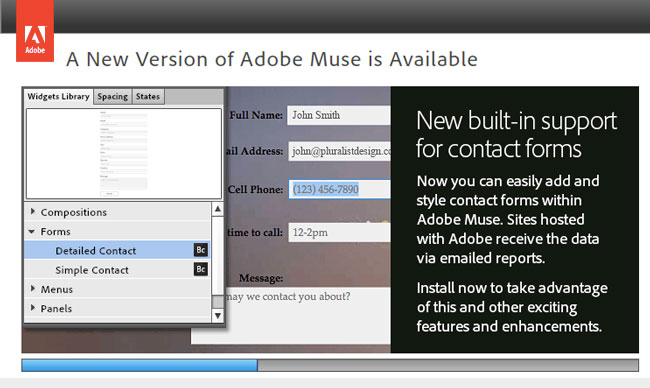
Delivering on the promise of Creative Cloud and subscriptions Adobe has released a major feature update to Adobe Muse in just 3 months after its initial 1.0 release. This update brings many of the most requested features to Muse without having to wait for the typical 12-18-24 month cycle. Creative Cloud Members and Muse Subscribers will simply be able to click update the Adobe Application Manager or from launching Muse to get these new features.
In this episode of the Adobe Creative Suite Podcast Terry White shows the main new features in the Adobe Muse 2.0 update:
Adobe Muse 2.0 now generates CSS for gradients, shadows and glows instead of images.
More optimized code
Japanese Language support
Several UI tweaks, better font handling and bug fixes
Also be sure to check out Edge Animate 7
Edge Animate preview 7 is here! This is a huge update with new resizable layouts, rulers and guides, shadows, enhanced text editing, timeline grid and SO much more. Download it now! Download it here.
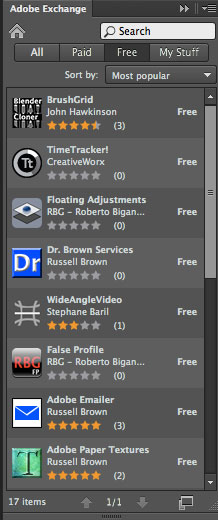
Adobe has had an Adobe Exchange website for years. This site was designed for you to discover and download 3rd party extensions and plug-ins for your your favorite Creative Suite products. Thanks to a new Extension on Adobe Labs, you can now search for, download and install cool extensions right inside your Adobe Creative Suite Products.
All you have to do is head over to Adobe Labs and download the New Exchange Extension. Once installed, you will have an Exchange Panel inside your Creative Suite Apps to see what’s available for your favorite Adobe apps.
In this episode of the Adobe Creative Suite Video Podcast Terry White shows how to use the New Content Collector Tools in InDesign CS6 to repurpose content from one InDesign document to another InDesign Document and make updates.
Are you missing out on my Bonus Content?
See more of my Adobe Creative Suite Videos on my Adobe Creative Suite Podcast and get the App here. It features EXCLUSIVE CONTENT that no one else gets to see. This episode has a BONUS CLIP that is available only in the App! My iOS App is a Universal App for iPhone, iPad and iPod touch. I also have an Android version: