GUEST POST
By Chita Hunter
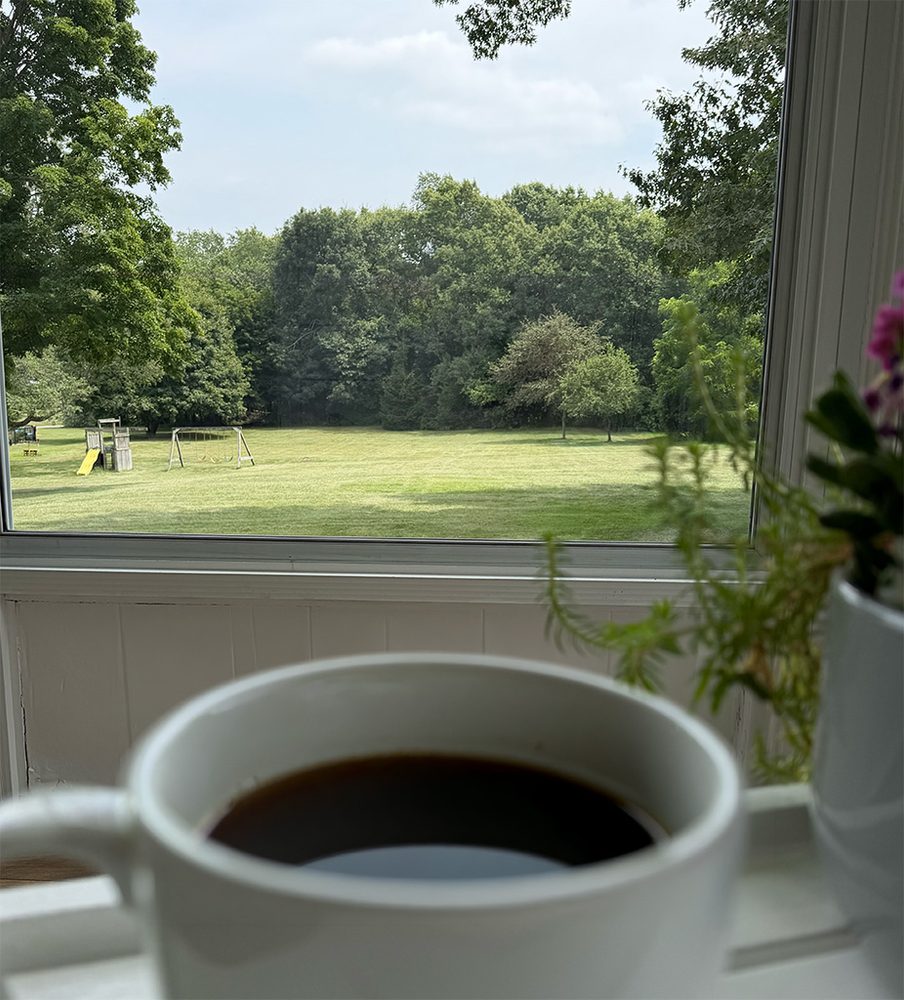
Seasonal changes and even your environment can cause something you can’t ever get away from in your home: Dirty windows. No one really wants the job to clean their home windows do they? Especially so when the windows are large, taller than you can safely reach, and two stories up from the ground. But, you do want and maybe even cherish a clear-dirt-free view when having that morning coffee. I do.
So, what then do you do, hire a professional window cleaning service? Then, with scheduling, you probably have to wait a few weeks for them to come out to your home. And, guaranteed, it will rain a day or two after you have your windows cleaned. In 4 weeks you may be right back where you started. Some services will give you the option to schedule them to come back out on a monthly basis (yes, subscription), but only after they’ve charged for the whole home service first. Nothing against professional window cleaning services, they are valued and needed, but for any homeowner, this cost can understandably add up. Your joy of having clean windows and a clear view can be short-lived and costly.
After years of that experience, I decided to look at an option that could get me clean windows on a more regular basis without costing an arm and a leg. Mainly, I need help with just two areas around my home, the large picture window on one side of the home and the sunroom on another. The exterior of both are two-stories off the ground. The rest of the windows of the home are easy to maintain. But, getting just these two select areas cleaned is as costly as cleaning all the windows of the whole house, for the previously mentioned reasons.
One day I saw a robot window cleaner in action on TV. I’d never been curious before, but I was more than curious now, it was Spring window cleaning season. I had plenty of questions: Does this really work? How does this work? Would I be able to clean those selected areas, foremost, easily and as frequently as I wanted, or at all? The only way to find out was to get one. So, I first took to research, then took the plunge and purchased a robot window cleaner.
EcoVacs Winbot W3 Omni
The unit I decided to purchase was the EcoVacs Winbot W3 Omni, due to a few features that won me over.
Continue reading “Cleaning Windows: EcoVacs Winbot W3 Omni Review”