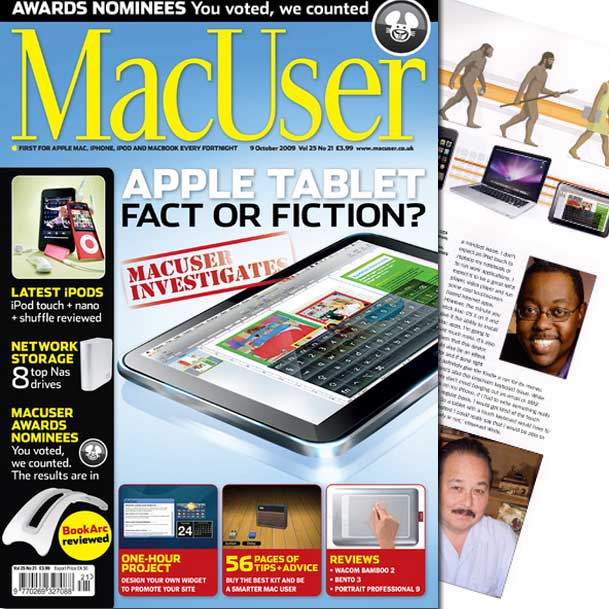
The editors over at MacUser Magazine in the UK must have really liked what I had to say about the potential of an Apple Tablet Device. They asked me if it was OK to publish a quote. I agreed. I was quite surprised though when my copy arrived that I had more than just a few lines and it included a picture of me (by Joe McNally). MacUser UK is a widely respected publication in the Macintosh community. So it was quite an honor for me to be quoted. Although it's only published in the UK now, there used to be a US version and I do miss it. You can see the entire article here. You can also visit their website here.
DLWS Wrap Up
Yeah, this one was shot with my iPhone, but it's one of my favorites.
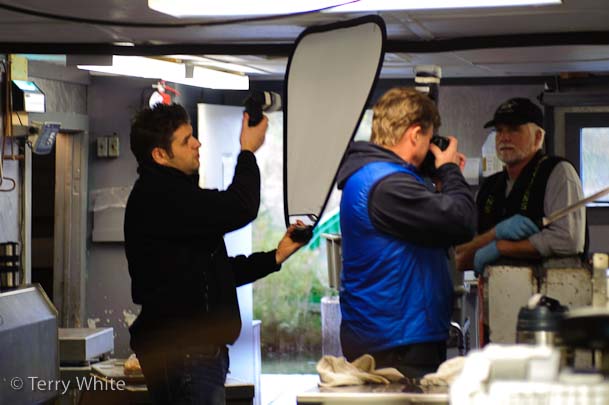
Last week I had a great opportunity to participate in the Digital Landscape Workshop Series that took place in Traverse City Michigan. Although I had to work last week, I got the chance to go out on the sunrise and sunset shoots with the group. One of the ways I find to improve as a photographer is to shoot with other photographers whose work I admire. So needless to say when the likes of Moose Peterson, Joe McNally and Laurie Excell are going to be nearby, I make the effort to go! Last week I did a blog post about the importance of attending workshops/seminars, so I won't repeat myself here. The purpose of this post is to share some things that I learned.
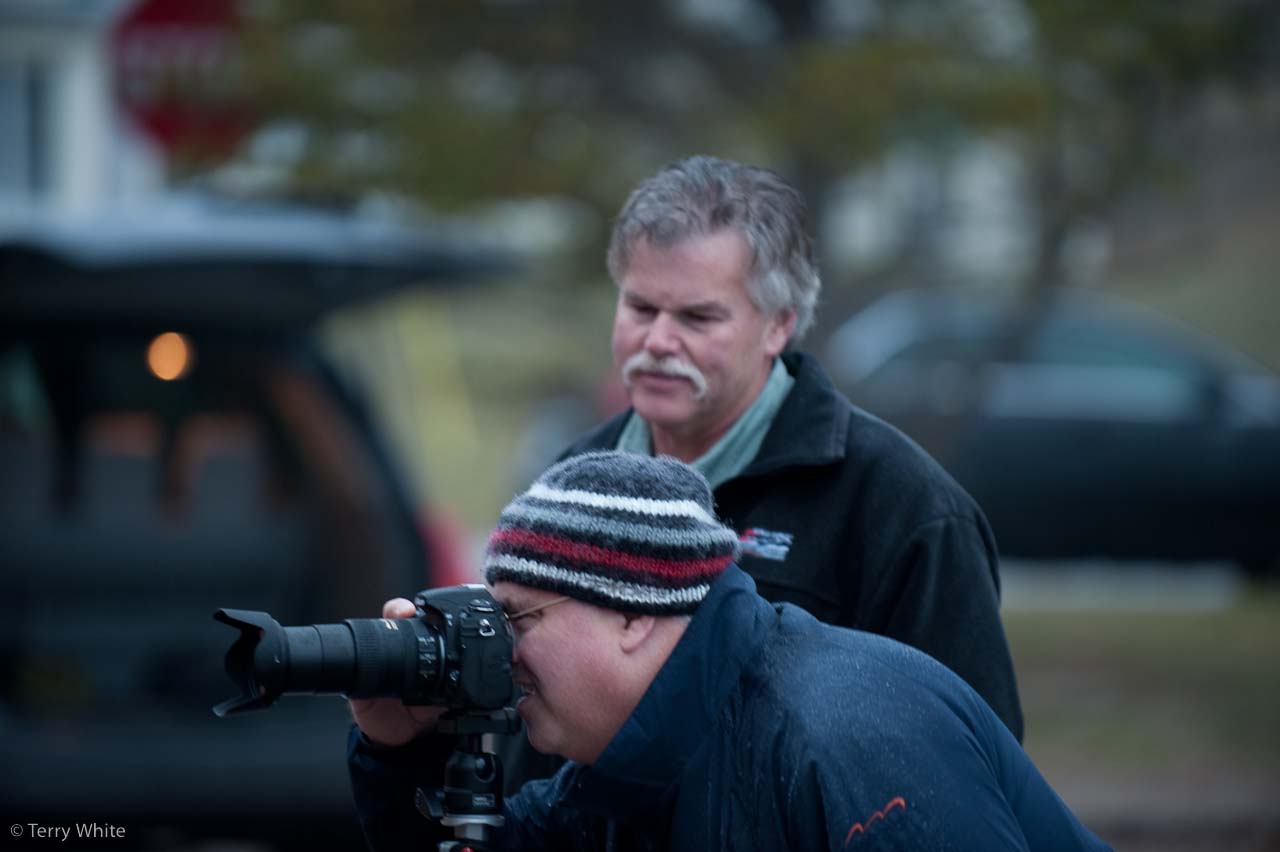
Moose Peterson helping an attendee with camera settings
It's all about the light
iPhone App of the Week – RedLaser

I've pretty much always been a comparison shopper. Sure sometimes I buy things that I know I can get cheaper somewhere else, but I need them right then and there and don't feel like running around. The internet has certainly made it easier to find deals, but for those who still like to visit brick and mortar establishments, RedLaser is a must have app for you!
In these economic times everyone is looking to save a buck here and there. One way to save money is to not pay more for something than you have to. Although I have a couple of apps for doing price comparing on the iPhone, neither of them is as cool as RedLaser.
Here's how it works
Lightroom 3 Public Beta! First Look

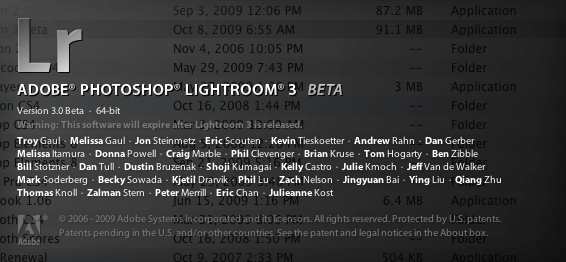
One of my favorite applications of all time just got an upgrade! I use Adobe Photoshop Lightroom 2 every day. So quite naturally it's very exciting for me to have an upgrade with new features. Now I can share those new features with you as well. Today Adobe is releasing Lightroom 3 as a PUBLIC BETA. This means that you can download it, use it and provide feedback. You also don't have to be a current user. So if you were thinking about switching to or upgrading to Lightroom here's your opportunity to play!
Less talk, more show…
I figure that some of you are like me and just want to jump in and see it! Therefore, you can check out this video that I recorded showing my favorite new features:
Download this video for your iPod, iPhone, Apple TV or to watch offline here. Subscribe to the Creative Suite Podcast in iTunes here.
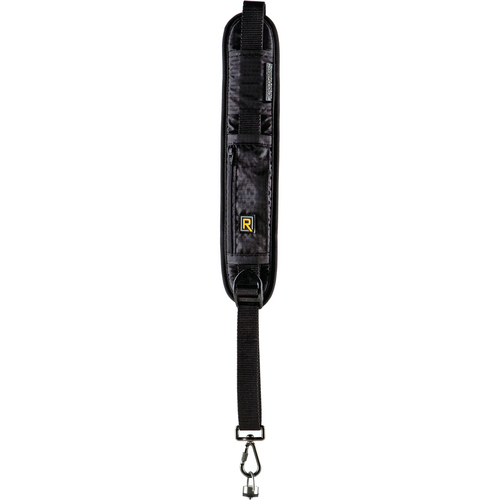
Black Rapid R Strap 4 Review

One of the products I recently got turned onto (again) at a seminar I attended was the "R Strap". I had first seen it on the Nikon D-Town Podcast but never got around to ordering one. I saw it again at the David Ziser seminar and actually got a chance to try it out. The first thing I liked was that it doesn't just go on the shoulder or around the neck, it actually goes over your head and hangs under your arm. This way there's no way that you're going to drop your camera AND it's not going to create neck strain from carrying a heavy DSLR around.
How does it work?
It's a simple concept actually. One end has a standard tripod screw on it that goes in the bottom of your camera or L-bracket. It has a thumb screw, which means that you don't have to carry any tools around to put it on or take it off. Once you have it screwed in you can then just slide your camera up and down the strap as needed.
New Macs, New Mouse, New Remote, & New Base Stations

Yesterday Apple released the highly anticipated updates to the iMac and Mac mini just in time for the holiday shopping season. They also introduced a completely new entry level MacBook and some speed bumps to the AirPort Extreme Base Station and Time Capsule wireless devices. Not to mention a new Bluetooth mouse and aluminum remote.
You can get all the details you'd ever want to know about these products at apple.com. So I'm not going to waste time going into too much detail here. I'll just do my usual take on what I think about the new products. So let's get to it:
The New iMac
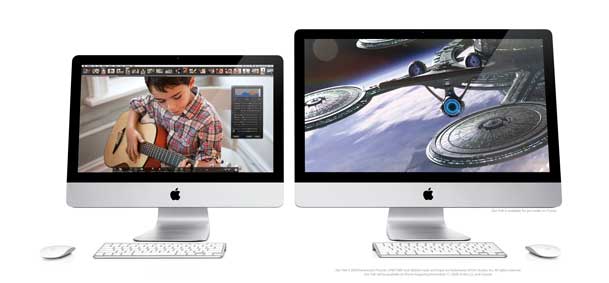
I must say WOW! It's time for a new iMac at home so needless to say I was waiting for the rumors to come true before I bought and I'm glad I did. You now have a choice between a 21.5" and 27" (LED) iMac model running the new intel i7 processors. You can even get a Quad core processor now in an iMac which is pretty amazing. I went with the 27" 3.06 GHz model with 8GB of RAM (expandable to 16GB) to replace an aging 20" iMac Core Duo (not Core 2 Duo) iMac at the house. The new iMac also has a built-in SD card slot on the side just like the new MacBook Pros do. I'm really looking forward to this speed boost. These new models have such impressive specs that I would dare say it may hurt Mac Pro sales for those who were just buying the Mac Pro for speed and not expandability. Unfortunately Apple is still defaulting to the little keyboard without the numeric keypad, but at least you can order the full-sized one (when ordering your iMac online) at no additional cost! Full details/specs here. Also check out the snazzy New Remote.
The New Mac mini

It's been a long time since the Mac mini got any love. Well today the Mac mini got a nice update. Faster processor (which was a given), but also twice the RAM for the same prices as before. The surprise here was a new Server config. As luck would have it, I was in the market for a Mac mini to replace my Power Mac G5, which I use as a file server (Drobo connected). The Power Mac runs fine, but it's big and sucks up a lot of power, not to mention the noise it can make when the fans get going. I already run Mac OS X Leopard Server on this box. So when Apple introduced a Mac mini with two 500GB drives and Mac OS X Snow Leopard (unlimited users) for less than a grand, I was all in. Full details/specs here.
New "Magic Mouse"
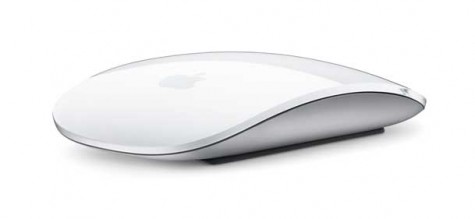
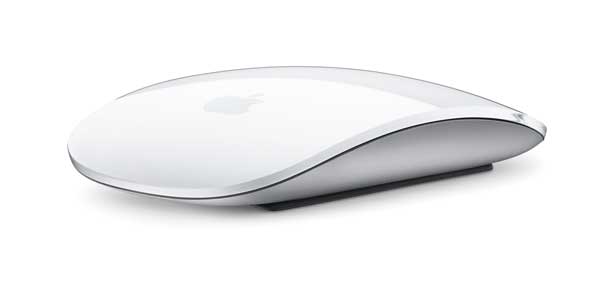
Apple is using its multi-touch technology and giving it to each new Mac in the form of a bluetooth wireless mouse. We're back to a one button surface, that is configurable to have a right (or left) click for contextual menus and scrolling. No more ball to clean! Thank God! This new mouse comes with the new iMac so I'll get a chance to play. Full details/specs here (including a movie on how it works!)
New MacBook
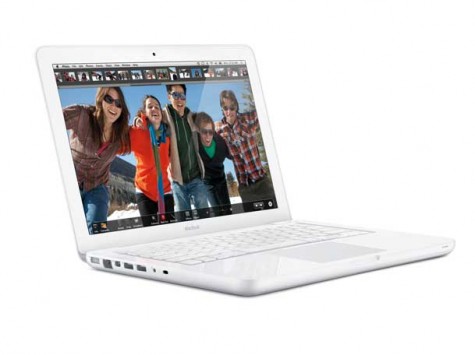
Apple replaced its entry level MacBook with a newly designed unibody 13.3" LED model. This new model doesn't have any major surprises although Apple has once again removed the Firewire port. Let the riots begin! The other thing that this model marks is the fact that now all of Apple's portables and portable devices have sealed batteries. Although the new MacBook boasts a 7 hour battery (I'll believe it when I see it), if the battery runs down you on a long trip you don't have the option to swap it out. You'll have to charge it or use an external solution such as the HyperMac battery. However, even with these limits, it's a sweet little box for less than a grand. Hey if you need Firewire (I do) then this IS NOT the one for you (or me). That's why Apple sells MacBook Pros that DO have Firewire. Full details/specs here.
25-50% faster AirPort Extreme and Faster Time Capsule

Apple has done some tweaking to make their wireless base stations and backup solutions faster. Lord knows that the Time Capsule can take all the speed gains it can get. So again this is a welcomed update. The prices are the same, but now you get faster performance and the same dual band capabilities as before. Full details here.
If you've been putting off upgrading, now would be a good time.
The Importance of Attending Workshops

I had the great good fortune of being able to attend three workshops recently that came to my area. In many cases I'm working in some capacity during these workshops either showing Adobe products or answering questions as an Adobe rep. However, lately I've been attending more workshops when I have the time and opportunity even if the workshop is not something that I'm directly interested in. The reason I've become more open minded about attending these workshops is because I haven't attended a workshop yet that I didn't learn something that was extremely valuable or something that improved my workflow.
David Ziser's Digital Wakeup Seminar

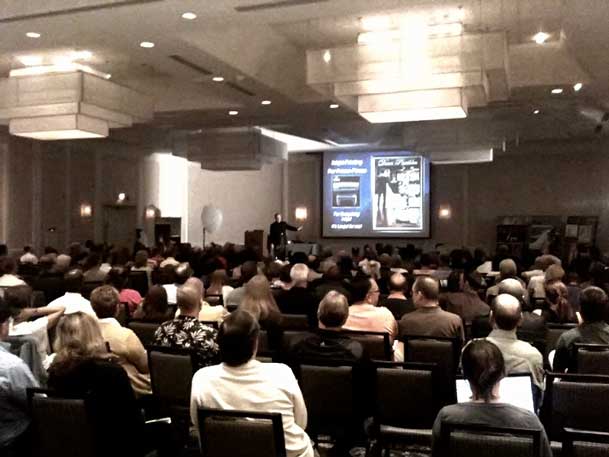
David Ziser came to Southfield Michigan one evening with his Digital Wakeup Seminar. Now I've known David for a few years and I've always been extremely impressed with his work. David is a Wedding Photographer and probably one of the best in the world. I have no interest in wedding photography! Have I ever shot a wedding before? Yes, that's how I know I don't want to be a wedding photographer! So why attend David's seminar? Although I have zero interest in shooting weddings, I figured that it wouldn't hurt to know how. The other reason is that I do shoot portrait and fashion photography and many of the wedding portrait techniques that David teaches will directly help me in my photography. I learned several tips that I will be putting to use immediately. If you happen to be in a city or near a city that David is coming to, you should absolutely make the effort to attend!
Scott Kelby's Lightroom 2 Seminar

I know what you're thinking? "Don't you work for Adobe?" Yes, I do! As a matter of fact I not only work for Adobe, but I use Adobe Photoshop Lightroom EVERY DAY! So why attend Scott's Lightroom seminar? Like any software, you learn to do things that you need to do. With practice you develop a workflow that works for you. However, with any app I've always said that no matter how well I know it or how often I use it, I usually ALWAYS learn at least one thing that I didn't know when I watch someone else present it. Scott uses things in Lightroom that I don't use regularly. So not only was it a refresher for me to see things that I don't use every day, but I picked up a couple of workflow tips to add to my own workflow. Scott is a very entertaining presenter, so in addition to the tips I also picked up a few new jokes that I will absolutely steal and use in my own presentations. 🙂
Digital Landscape Workshop Series

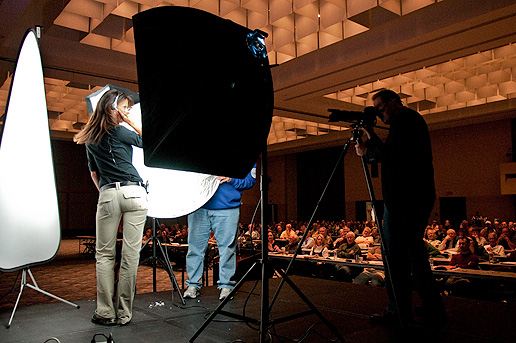
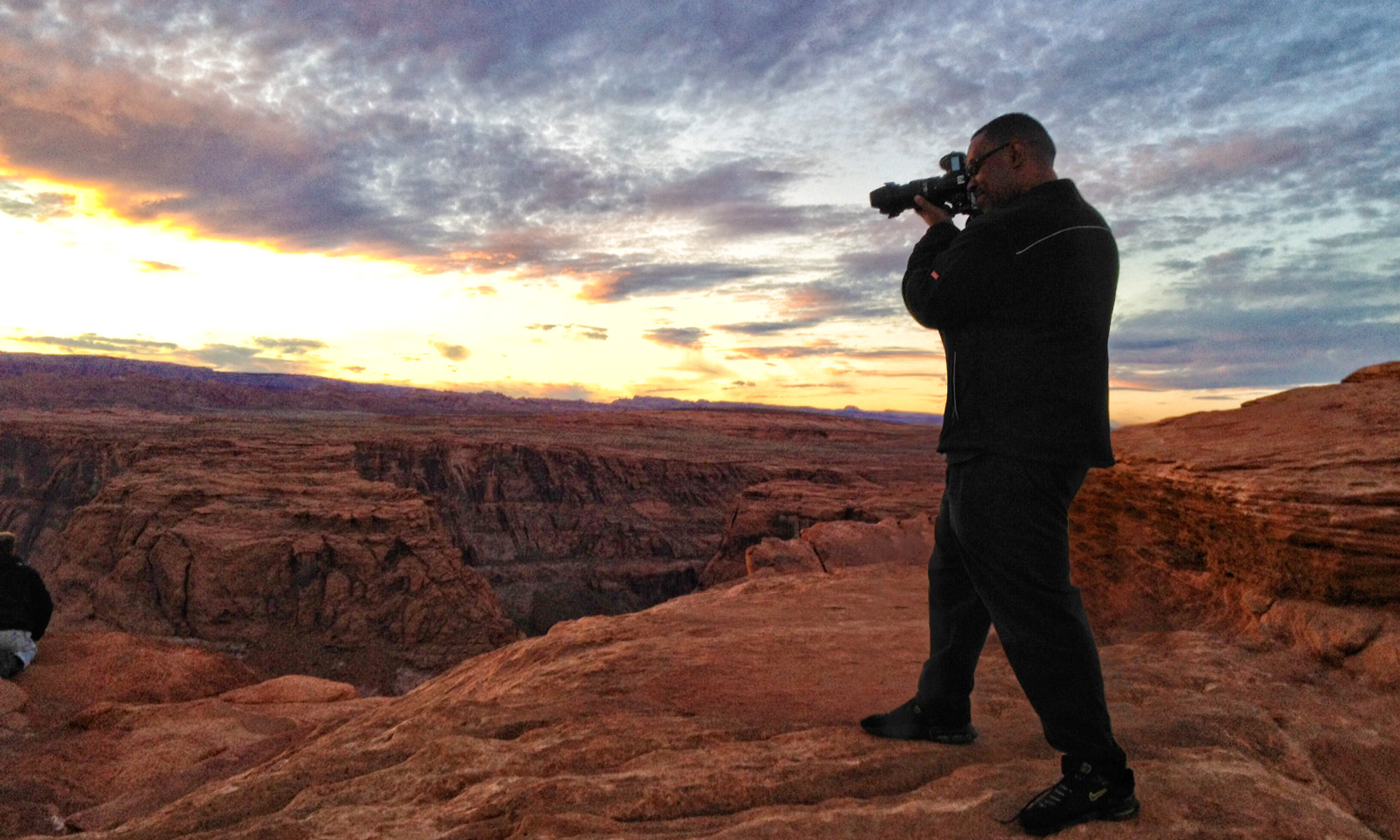
Although I primarily do portrait and fashion photography, I also have an interest in beautiful landscape photography. This is the type of photography that I probably know the least about. So If I have the chance to spend some time learning from legendary photographers like Moose Peterson and Joe McNally, I'm going to jump at the chance. The Digital Landscape Workshop Series (DLWS) came to Traverse City Michigan this week. Although I have to work this week, I figured I could at least do the sunrise (before work) and sunset (after work) shoots with these guys. When I arrived Sunday afternoon Laurie Excell was giving an excellent presentation on the best camera settings with plenty of examples. I didn't really capture anything the first morning that got me excited (not the fault of the workshop by any means), but I did learn quite a few things that will help me going forward. I can tell that the problem was me, not the location because Moose is is showing his shots from this morning as I write this and with each shot it makes me feel like we were in two different location. This guy really has an eye! We'll see how the rest of the workshop pans out for shooting.

The Bottom Line

No matter what you may be into, chances are there is a "class/workshop for that." I've reached a point in my photography that I'm looking to take it to the next level. Sure I could just keep practicing and going by trial and error, but I choose to leap forward by spending time shooting with and learning from the people who's photography that I admire the most. I encourage you to get out there and learn everything you can about everything you can!

Blu-ray! It’s now or never…

Well another holiday shopping season is upon us and once again people will be upgrading their home entertainment setups. The question is will they be getting Blu-ray players this year or not? Before I go on, let me just say that I like Blu-ray as a format and I was rooting for it to win the format war. However, little progress has been made since that war ended.
When we went to DVD…
When we made the transition to DVD from VHS there were several advantages. You go an improved picture that was noticeable. You got a smaller more convenient format that could be put into a laptop and other small devices. You no longer had to rewind and the picture quality didn’t suffer degradation over time. Once the players dropped below $100 (the magic number for most consumers), buying a DVD player was a no brainer.
iPhone App of the Week – Understanding Photoshop-Quick Fixes

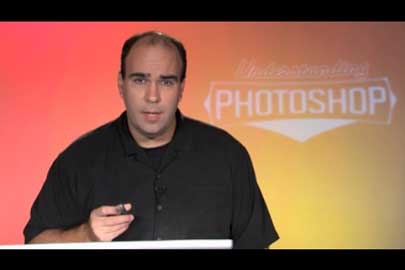
This week’s iPhone App of the Week is actually from my buddy Richard Harrington. I’ve known Rich for years and he’s an excellent instructor.

His Understanding Photoshop – Quick Fixes app aims to be a series of video tutorials on how to do common tasks in Photoshop right in your pocket. We’ve all been there when you want to do something and you’ve got the app open on your computer and you just can’t remember how to do it or you want to know the best technique to do something.
Continue reading “iPhone App of the Week – Understanding Photoshop-Quick Fixes”
Sony DR-BT101 Bluetooth Headphones – Video Review

Earlier this year when Apple announced that the iPhone 3.0 and iPod touch 3.0 OS updates would now finally support stereo bluetooth headphones I began the search for the best ones. Unfortunately there was no one claiming to have found the best ones. All of the reviews I’ve found for the various models varied widely in opinions. I guess when it comes to audio everyone’s tastes and tolerances are quite different. So I decided to bite the bullet and start my own research project for the best ones. I’m starting with the Sony DR-BT101 Bluetooth Headphones. The only reason I’m starting with these is because they were very reasonably priced compared to the others I saw. Enough with the words, see my video review here:
Continue reading “Sony DR-BT101 Bluetooth Headphones – Video Review”