Metal Mural Rocks!

Having your photographs printed on metal is not a new thing. I've seen companies like MPIX and others offer this for a while now. However, like many other printable products, you really take notice once you see one of your own images on it. I remember walking onto the Photoshop World show floor last year and seeing one my images on display in the Westcott Booth. While this is not a new thing for me, it was a new thing seeing my print on metal! The print was done as a tiled 3'x4' metal print. All I could say was WOW! I never made the time to go by the Metal Mural booth and check them out. 

This year I took the time…

At this year's Photoshop World Vegas I spent a little more time on the show floor and I went by the Metal Mural booth. I saw my same print, but on single tile on the table used as a sample. This time I got to touch it and admire the quality. Next thing you know I was placing an order. The show special didn't hurt either :) The way it worked was I place the order and paid for it on the spot. Then once I got back home I used the invoice number to upload the photo that I wanted to have done. They let you download a Photoshop template to use to make sure that the cut lines don't go across anything critical. A few days later I received an electronic proof. It looked good and I gave them the thumbs up to print it.


When it arrived, it was complete with all the hardware necessary to hang it on the wall or suspend it as I did (hanging wire not included, some assembly required). I took one of the tiles out of the box and the first thing I noted was that the color was dead on! The photo above doesn't do it justice. It was probably the most color correct print I've ever received. I did nothing special on my end. They apparently just know what they're doing!

The tiles are UV coated and scratch resistant. 

You can find out more about their products, pricing and configurations here.


25 Fun Things To Ask Siri

I’ve gotta say that I’ve been having fun with Siri over the past weekend. Siri is the built-in digital assistent in the iPhone 4s. You can ask it things in plain English (or other languages) and it will either use its built-in intelligence to answer the question or it will offer up a web search. I’m pleased with how well it works most of the time. I’ve used it to respond to text messages, schedule meetings, do searches, and dictate emails. However, the developers behind Siri also have a sense of humor. Here are some useful and some fun things you can ask or say to Siri:


Who Are You?


Where am I?


Where is ________?

If you and your iOS 5 using friends are using the Find My Friends App from Apple, you can then simply Ask Seri where is _______? It also works for things like “where is my sister?”


How old are you?


Talk dirty to me

Continue Reading »


5 iOS 5 Features That I Really Like

iOS 5 was released to the public yesterday and the good news is that there is a lot to like in this new version of iOS. For me most of the features address some of my long time criticisms of iOS. Although they are long over due, I welcome them just the same. Here are 5 of my favorite features right off the top:


1. WiFi Sync


This is one that I've actually been waiting for since the early iPod days. I have an iPod that stays in my car and I always envisioned the day that I'd just be able to pull into my garage and it would sync with my computer in the house via WiFi to grab the latest music and updated playlists. iOS 5 brings this feature to life. You can now either initiate a wireless sync from the computer or iDevice manually or automatically when you plug your iDevice into a power source, say to charge it overnight.


2. Notifications screen

While this is a rip off borrowed feature of the Android OS notifications screen, I'll take it! I hated picking up my iPhone and having to dismiss 50 push notification pop-ups before I could do anything else. Now the notifications all accumulate on a single notifications screen. Just swipe down from any screen and see all your past notifications including the current weather and stock quotes. Nice and long overdue!


3. Built-in Shortcuts

Recently I got hooked on TextExpander. While TextExpander works with just about any app on the Mac, the iOS version is limited to only the Apps that support it. Apple has built-in a universal Shortcuts feature located in the Keyboard prefs. You can type in your shortcut and the text that it should expand to. For example, "omw" expands to "On my way!" It's great to have this work in all Apps now!


4. Camera Access from the Lock Screen

By the time you swipe to unlock your iPhone, enter your passcode, find the camera App and launch it, you've probably missed the shot. Now you can double tap the home button and you'll have immediate access to the Camera App. Sweet!


5. Adding Photos to Albums

People accumulate hundreds of photos on their Camera Roll. This is largely due to the fact that there was no way to move the photos into Albums. You'd have to sync them to your computer first, delete them off the device, organize them into Albums/Folders and then sync them back on. Now you can just put them in Albums directly on your iDevice. You still can't edit existing Albums that were added from your computer, but this is a big step in the right direction.


The Bottom Line

iOS 5 has a lot of useful features and the above 5 are just a few of my favorites. There's a lot to digest in this iOS update as well as iCloud, updated/new Apps from Apple and the new iPhone 4s. 


Why the iPad is becoming my Favorite GPS Navigation Device

Once Apple updated iOS to allow Apps to run in the background I gave up on dedicated Turn-byTurn GPS units. I've been using the Navigon App on my iPhone ever since.  Navigon updated their Apps to be Universal Apps so that they would be native on the iPad too. I remember thinking at the time, "when would I ever want to use a big iPad for GPS navigation?" The first time I used Navigon on the iPad was actually the Europe version in Denmark. The advantage for me then was that i didn't have a car charger with me and the iPad battery would last much longer than the one on my iPhone 4. On that trip I was the passenger, so I could hold the iPad while Scott Kelby drove. I realized something during that drive. It was really nice having a big screen navigation system. While I love the Navigon App, I've always said that the text was a tad bit too small. However, on iPad that's it's big, beautiful and easy to read. Another advantage is that the iPad has a louder speaker that's easier to hear the directions. 

I decided to give it a try solo. During my last trip to LA I used the iPad as my GPS navigation. I just set the iPad on the seat as I didn't really need to look at it once I started driving. The voice directions were good enough. If you wanted to mount an iPad in your car permanently you could use something like this Arkon mount. However, I only use these devices/Apps in rental cars. Therefore, I don't need a permanent mounting solution.


The Bottom Line

The iPhone is always with me and I have no plans to delete the Navigon App from it. However, if I have both devices with me and I'm in a rental car, I'm going to use the iPad for navigation over the iPhone. If you want to use an iPad for navigation, you're going to want the WiFi+3G model as it has a GPS chip in it and the WiFi model does not. Also here's a car charger that will charge both your iPad and phone.

You can get the  Navigon North America App here from the NAVIGON MobileNavigator North America - NAVIGON AG
State of AirPlay Speakers

AirPlay is Apple's wireless technology that let's you stream audio and/or video to AirPlay enabled devices. AirPlay (formally known as AirTunes) first appeared in the original AirPort Express Base Station. The AirPort Express has a standard digital audio out jack on the bottom of it that lets you plug in a set of speakers or jack into an existing stereo system. Once you have the speakers plugged in you can stream music to them from your computer using iTunes or from your iOS Devices. Apple TV is also an AirPlay enabled device. With the Apple TV 2 you can also stream video to your TV wirelessly from your computer or iDevice. 


Setting up a multi-room AirPlay System

When I moved into my new studio I knew that I'd want music throughout the space. This meant have speakers in at least 3 areas. I've been patiently waiting for more AirPlay enabled speakers to hit the market. While I love my Bowers & Wilkens Zeppelin Air at home, I didn't want to spend that kind of money in this situation for all three rooms! I did get one Zeppelin Air for the largest area, but still needed something for the other two.


The folks at iHome have been teasing us with their $299 iW1 for over a year. As of the writing of this it's still out of stock (did they ever ship any?).


I also tried the JBL On Air Speaker. I usually don't waste time here writing about how bad something is, but the JBL On Air was probably one of my worst out of box tech experiences of all time. It just flat out didn't work! I made sure it did in fact have the latest firmware update, but it couldn't get through a single song without crashing, rebooting or skipping. I boxed it right back up and sent it back. Although I really liked the design of it and the nice color display for album art, I couldn't deal with that many issues on playback. Now keep in mind I may have just gotten a bad one. It happens, but I wasn't willing to go through shipping back and getting a replacement at this point.
 

Tired of waiting

Since the iW1 wasn't shipping yet and the Zeppelin Air is out of my budget range for this multi-room setup, I went with something that has always worked well for me. I bought a couple more AirPort Express Base Stations and plugged regular powered speakers into them. I'm a fan of the Bose Sounddock II and went with a couple refurbs on those. The system works flawlessly! I can push music through to all three systems simultaneously and even control volume levels from my computer or the speakers themselves. Using the Sounddocks also means that in any room an iPod/iPhone can be plugged in on the spot to play something that someone brought with them and wants to hear.


What about streaming other source besides iTunes

While I have a rather large iTunes music collection, there are times that I want to stream other music sources such as Pandora Radio or Sirius XM. This is where the software AirFoil comes into play. AirFoil is a 3rd party utility for your Mac or PC that lets you stream just about any source from your computer to your AirPlay speakers. With AirFoil I can fire up Pandora Radio and have continuous music throughout the day from just about any artist for just about any model or client's music tastes. 
You can check out AirFoil here.

Another reason to go with a computer and AirFoil is that while iOS Devices can stream to AirPlay enabled systems, they can only stream to one at a time. AirFoil and iTunes allow you to stream simultaneously to multiple systems. 


The Bottom Line

Even at the relatively low price of $299 for an iHome iW1, it's still hard to beat the AirPort Express Base Station for an AirPlay setup. You can plug in any powered speakers you want or already own and will probably save money. I'll probably still get an iW1 to review and if it works out I'll use it in a 4th location up stairs or in my office. There are more AirPlay enabled speakers and receivers on the horizon. While it's nice to have this technology built-in, unless they become much more reliable, stable, easier to setup and lower the prices I'm going to stick with the AirPort Express/Regular Speakers Combo. It just works!

A Software Update To My Watch


Along with the iPhone 4S introduced this week, Apple also did minor updates to the iPod line too. With the iPod nano Apple added additional clock faces. The original iPod nano 6th gen only had a black face and a white face for the clock. There are now 18 clock faces for the iPod nano including Kermet, Mickey and Minnie Mouse as well as some digital faces and even faces with moving gears. The good news is that you don't need to buy a new 7th gen Nano to get these faces. Apple also released a software update for the existing iPod nano. I installed it Tuesday and got all the new goodies. 


It could be better

There is one thing stopping this from being near perfect and that's the fact that you still need to press the physical button on the side to see the time. I wish there was a way to set it so that it stays dim until you touch the screen or perhaps use the accelerometer to shake to see the time. Other than that, it's great having so many clock face choices that I can change anytime I feel like it.


The Bottom Line

At the end of the day the iPod nano is an iPod first that just happens to have a clock display. If you need a watch that you can just look at and see the time, then this is not for you. However, if you want to carry a sizable music collection, some photos, have a way to track your runs/walks and have a stylish watch, then check out the new lower priced iPod nanos. Here's the band I use.

Which Rumored iPhone 5/4S Feature Are You Looking Forward To Most?

Today Apple will be announcing a New iPhone 5 or 4S or both. As usual the rumored features have been flying around for weeks. We will soon find out what's real and what's not, but out of curiosity "Which Rumored Feature Are you Looking Forward To Most?"


Which iPhone 5 Feature Are You Looking Forward to Most?
 4G Data
 Sprint Service
 Faster Processor – A5
 Larger Display
 8MP Camera
 Better Antenna/Fewer Dropped Calls
 Thinner
 Better Battery Life
 Something Else
 I don't want an iPhone
  
pollcode.com free polls 

Adobe Creative Announcements at MAX 2011!

httpv://www.youtube.com/watch?v=jr_KML5H13k

Amazing Opening To Adobe MAX here in Los Angeles


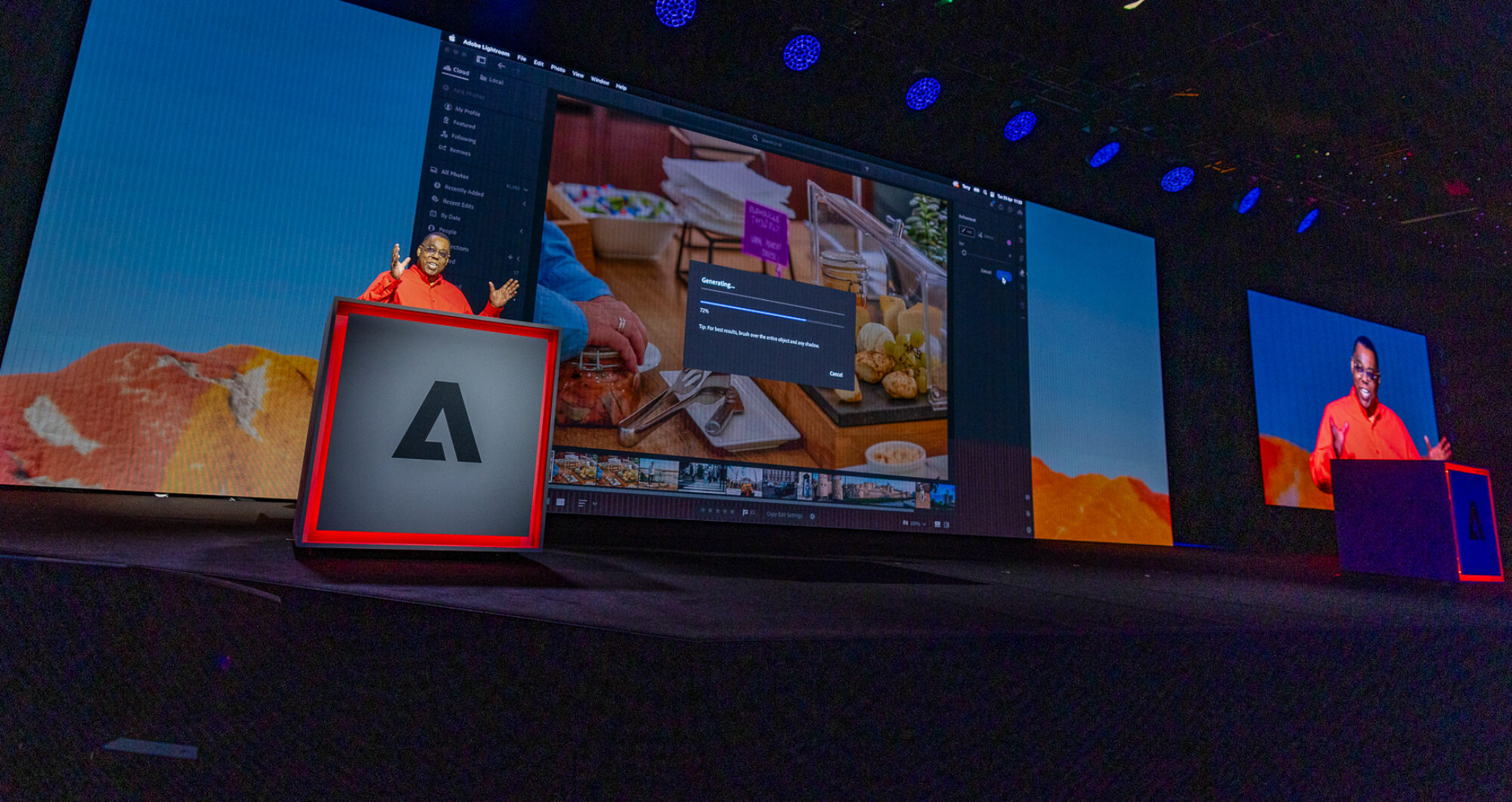
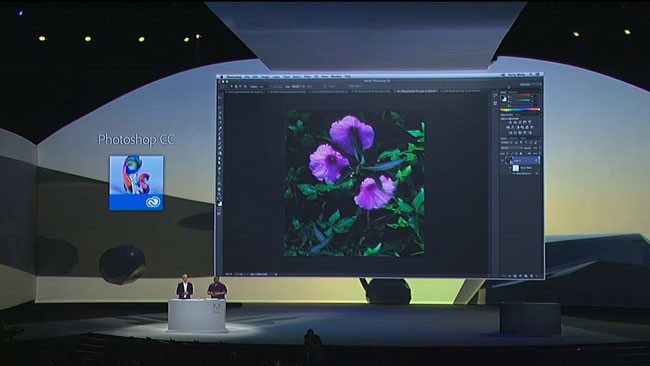
I'm just getting back from the Adobe MAX Keynote where we announced a bunch of NEW Apps, acquisitions and the Adobe Creative Cloud. Rather than sit here and try to recap every detail it's easier just to point you to the Adobe Blog posts that have already been written on each topic (I'll personally have more to come on each of these as time goes on:)


Adobe Creative Cloud

Adobe Photoshop Touch <-Photoshop on your tablet!

Adobe Touch Apps (see videos of the Adobe Touch Apps in action here)

Adobe Digital Publishing Suite SINGLE EDITION <-what so many of you have been asking for!

Adobe Acquires TypeKit

Woodwing moves their solution over to the Adobe Publishing Suite!

Adobe to acquire Nitobi, creator of PhoneGap


It was definitely an exciting keynote and I'm jazzed about the new possibilities!

Great Time at My Scott Kelby Worldwide Photowalk


Once again I led a photowalk in the Detroit area for the Scott Kelby Worldwide Photowalk. This time I decided to try a different kind of location as opposed to the usual urban scenes of the city. We did our walk at the Franklin Cider Mill.


When I chose this location I figured it would give us a chance to see some fall colors and some more rustic imagery. 

What I didn't realize at the time was that one of our walkers and good friend Jamie Feldman knew the owner.


We had unprecedented access to the entire location including some behind the scenes looks at how the Cider process happens from start to finish. 


The weather started out on the cold side, but after about an hour the sun came out and it tuned into a great day for shooting. 


I'm looking forward to seeing the shots from our walk and I can already tell it's going to be hard picking winners.


Thanks goes out to all that attended my walk!

Page 29 of 131« First...1020...2728293031...405060...Last »