
Live at Photoshop World: Setup


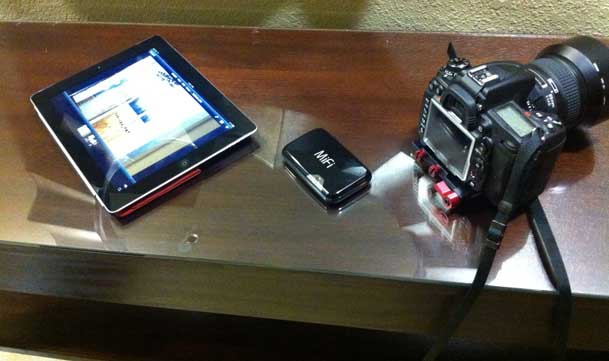
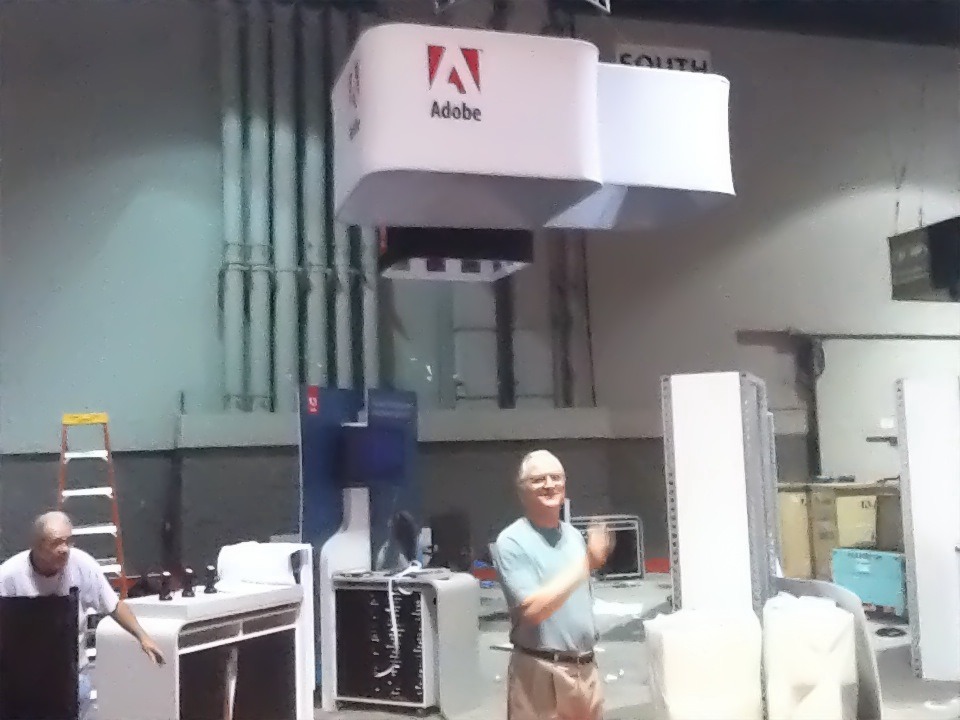
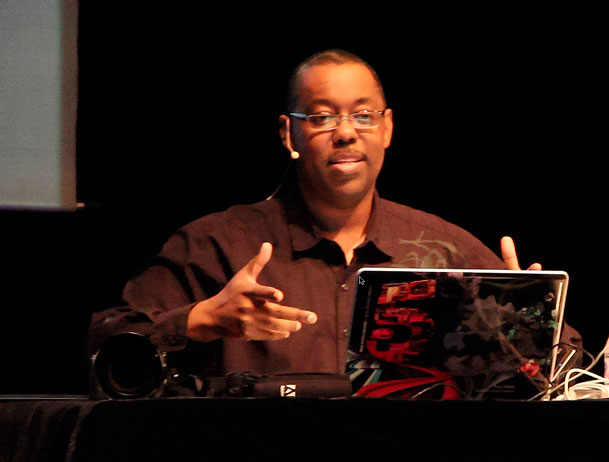
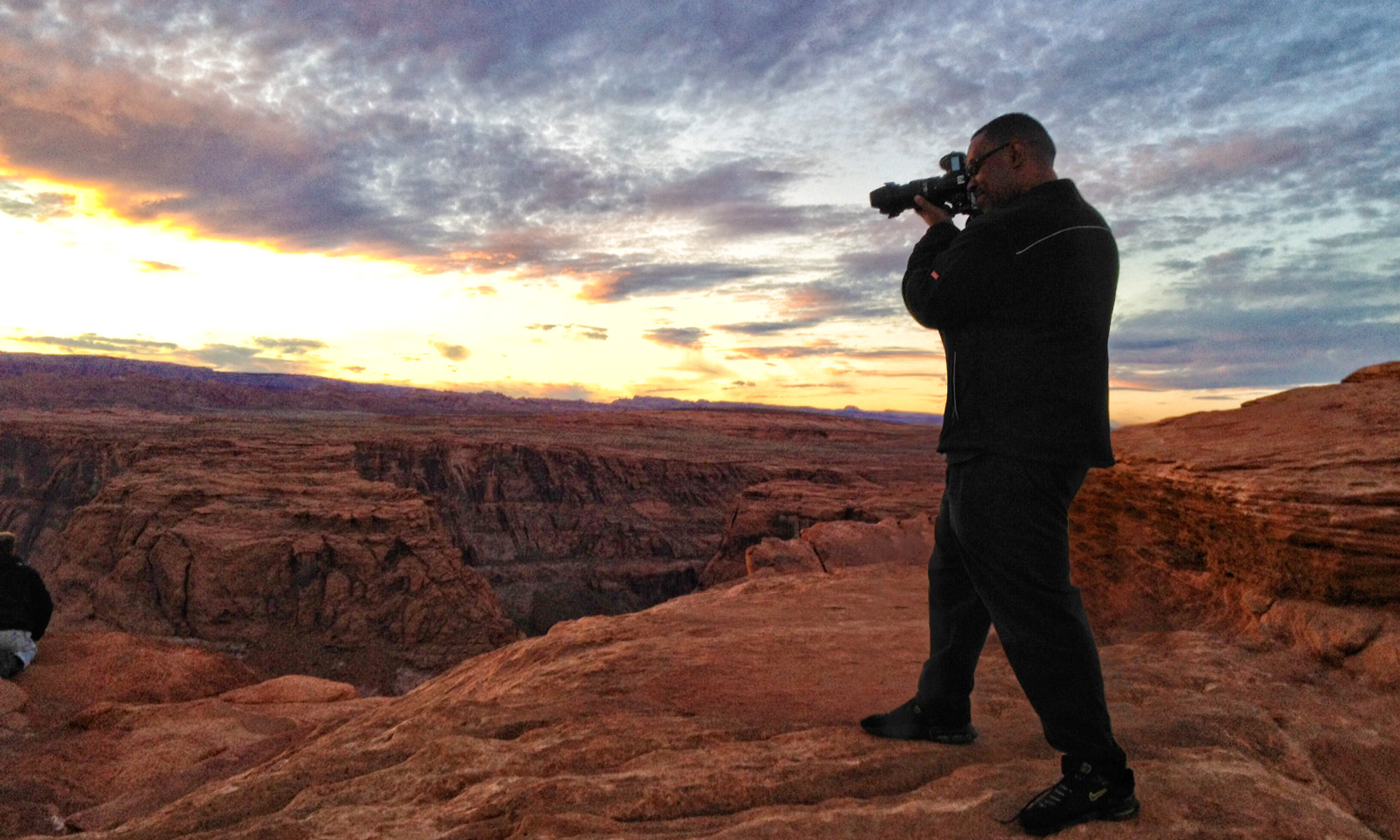
It’s that time of year again and I’m happy once again to be teaching and presenting at Photoshop World Orlando this week. As a result my blogging schedule will be all out of whack and therefore I’ll be blogging on the go and from different devices.

Looking forward to seeing you if you’re here. Let’s have fun!


– Posted using BlogPress from my iPad 2

Location:Convention Way,Orlando,United States

How To Remove Unwanted Noise From Your Video

httpv://www.youtube.com/watch?v=rpOWqDH7SzY


In this episode I'll show you how to remove unwanted noise from the audio track of your video. Using Adobe Soundbooth CS5 I can roundtrip the video over, take out the annoying hum and bring it right back to the timeline in a non-destructive manner.


See more of my Adobe Creative Suite Videos on my Adobe Creative Suite Podcast and get the App here. It features EXCLUSIVE CONTENT that no one else gets to see. This episode has a BONUS CLIP that is available only in the App:

Learn Adobe Creative Suite with Terry White - Wizzard Media


Review: F.J. Westcott Spiderlite TD6

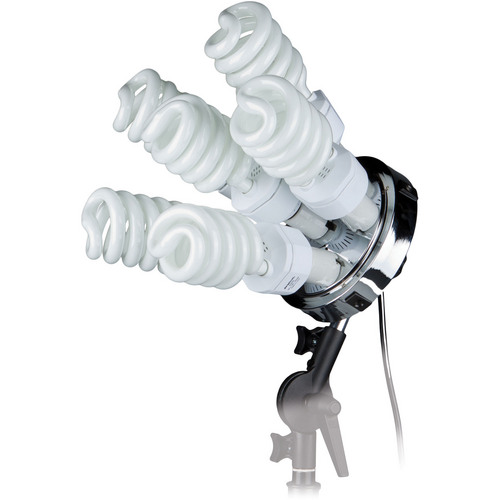
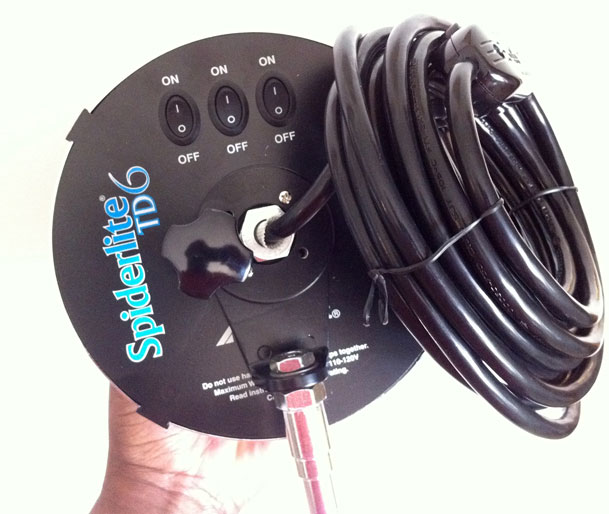
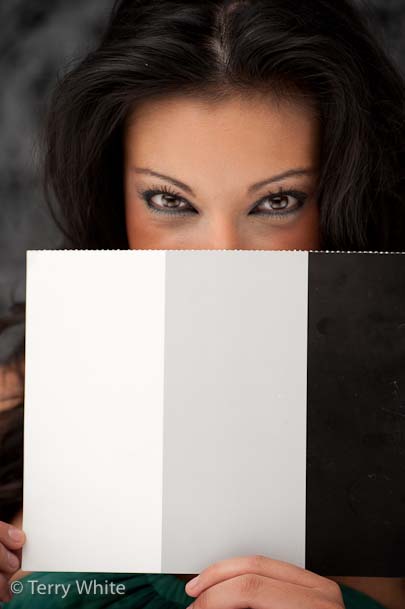
There is no easier lighting setup to use than the Westcott Spiderlite TD5's. While these lights are great, everyone that uses them says the same thing. "I wish they were brighter." In other words we all wish they output a little more light. Westcott has answered our wishes with the new Spiderlite TD6's. Instead of 5 daylight balanced fluorescent bulbs you not get to use 6. This means 1200W of output instead of 900W of output on the TD5s and that makes all the difference in the world. In fact for everything but their giant softbox, a 6 foot shallow rectangle softbox <-this softbox is amazing though, I can now shoot at 200 ISO as opposed to 400 ISO.

It's more than just an extra bulb

They also made some additional and welcomed improvements. The switches on the back and now more high quality and professional looking. They also added a much needed cord switch to turn the entire unit on/off without having to climb up on a ladder when you have the lights mounted high. Speaking of the cord it's longer too. Basically the TD6 is improves over the TD5 in just about every way possible.


The Bottom Line

Although I love my strobes, I'm still amazed by the results I get with the continuous lighting the Spiderlites. Life will only be better with the enhancements on the TD6's. They don't get hot and are great to use in workshops/classes where you will have multiple shooters. If you're doing product photography they rock for that too! Thanks Westcott!

You can get a single Spiderlite TD6 here for about $420. My recommendation is that if you have Spiderlites already, then perhaps one TD6 to replace your main TD5. Otherwise, I would recommend this kit if you're starting out. I use a setup like this one for most of the portrait work I do!

What I’m teaching at Photoshop World

It's almost time for Photoshop World! It's next week and I'll be teaching at this year's East Coast show. My classes are the same as they were in Vegas last fall although I'll be adding a few new twists to my Creating Interactive Portfolios Class. I'll also have some updated information for my Facebook class too.

  • Introduction to Adobe InDesign CS5
  • Creating Interactive Portfolios in InDesign CS5
  • Why you should be on Facebook
  • Importing & Managing your Images in Adobe Photoshop Lightroom 3

Don't forget to see me on the show floor as well. I have sessions scheduled in the Adobe booth as well as partner booths such as Westcott, Elinchrom, and Wacom. 

See you next week and if you have an iOS device don't forget to grab the free App here from the iTunes

I Won’t Leave Home Without Rogue FlashBenders Again


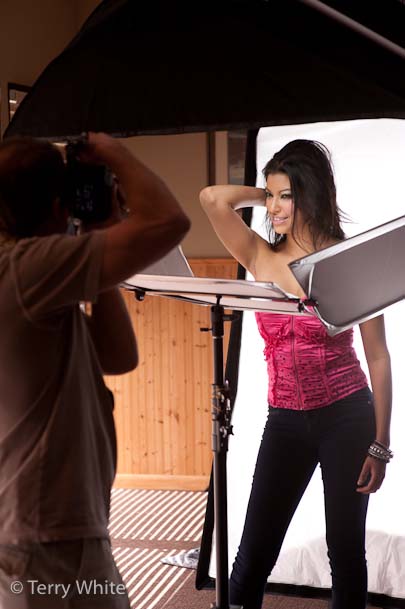
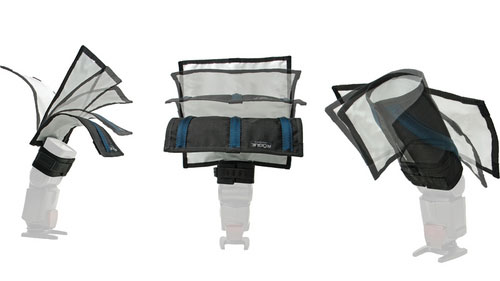
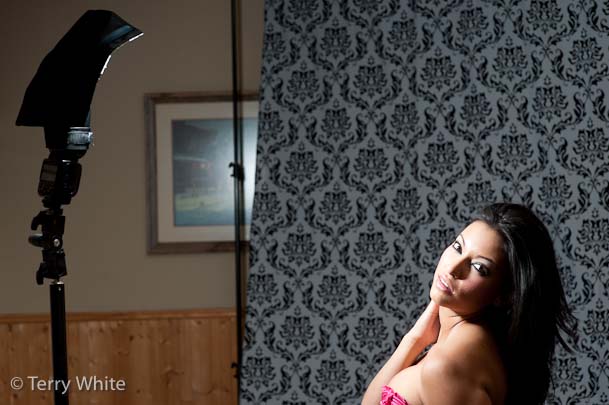
I've had a pack of ExpoImaging Rogue FlashBenders sitting around for a while now. I decided to take them with me to my last workshop at Precision-Camera University. I figured I'd kill two birds with one stone. This way I could teach the class on how to use studio lighting with the NEW Westcott Spiderlite TD6's, but also spend a few minutes showing what I travel with as a very portable speedlight lighting kit. Normally I travel with a Nikon SB-900 speedlight, Westcott shoot-through umbrella and small light stand for off camera flash. I had these elements with me in my carryon and showed the class how to use the umbrella. Then I broke out my Rouge FlashBenders by the same company that gave us ExpoDisc for white balancing our DSLRs. 


I was blown away!

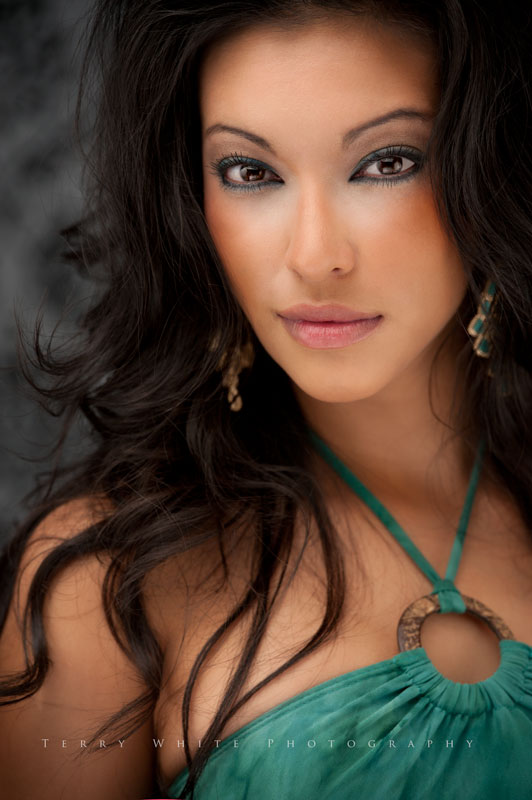
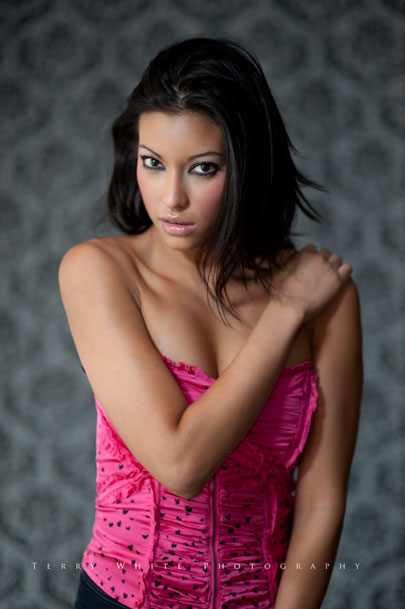
They worked way better than I imagined they would. You get 3 FlashBenders in a pack and they are designed to velcro right onto your speedlight. You can then "bend" them to aim the light any way you want. Using the configuration above, I got this shot:

ISO 200, 85mm (Nikon 85mm f/1/4 Lens), f/1.4, 1/125 sec

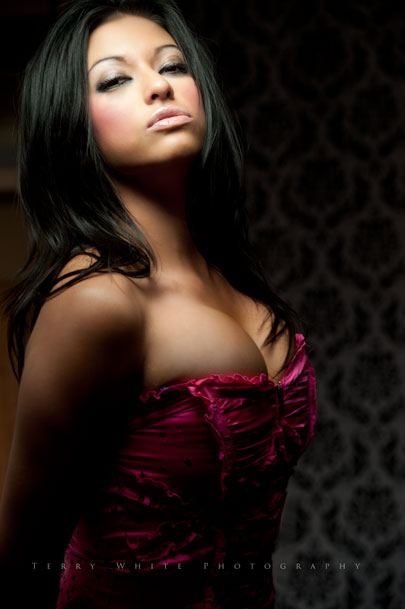
Next I decided to create a more dramatic look (not something I would do in a beauty setup), but using the medium sized one in a snoot configuration. With it I captured this shot.

ISO 400, 102mm (Nikon VR II 70-200 f/2.8 Lens), f/5.0, 1/80sec

The beauty of these is that they are completely flat when not in use and EASILY fit in the outer pocket of my carryon suitcase. Sure I'll take a giant softbox any day I can get one, but in situations when I'm on the road and taking portraits or lighting other scenes with my speedlights, these are AWESOME!


You can get the Rogue FlashBenders (3 in a set) here from B&H for $104.85 or individually Large $39.95, Small $34.95, or Bounce Card/Flag $29.95. My favorites are the Large and Bounce Card/Flag.

Meet George from LCD4Video

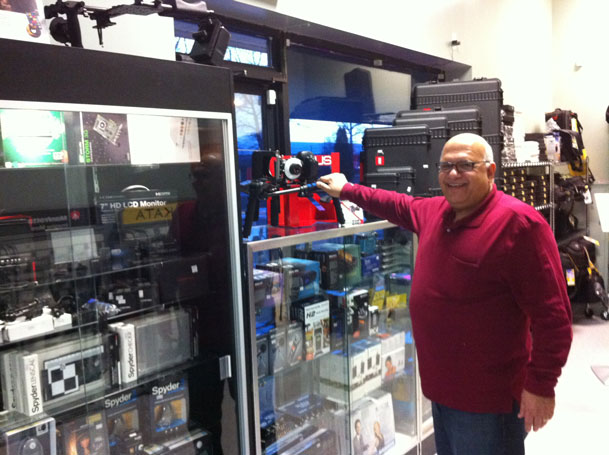
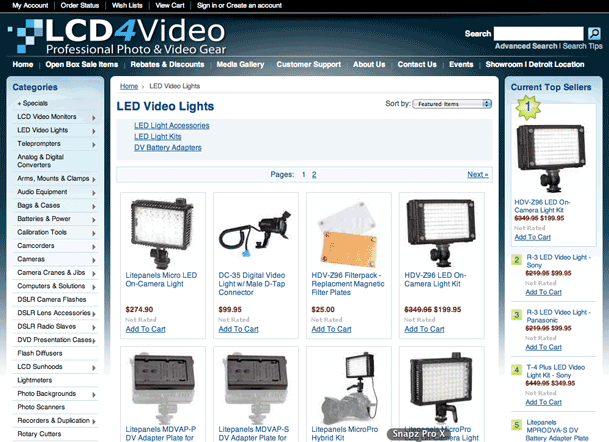
As a gadget guy I love finding gadgets that are useful but sometimes fly below the radar because they are not by the big named manufacturers. A lot of times there's a gadget out there that fills a need and unless you happen to be in the right place at the right time you may never know about it. Although I had ordered an LED video light from LCD4Video.com in the past, I had no idea that 1) they were located right in my backyard and 2) they have so many other cool little accessories for video and and still photography. 

LCD4Video

They sell the usual gear such as cameras, lenses, tripods, cases and lighting equipment, but they also manufacture specialty items under their own brand. I had the chance to visit their location last week to attend a seminar put on by my good friend Mark Astman representing Manfrotto, Lastolite and Elinchrom. I didn't realize the connection between the seminar and the venue until I arrived. During one of the breaks I popped into the show room and before you know it I was buying hundreds of dollars in gear. 🙂

I wanted a small HD monitor that would fit in my hotshow on my Nikon D7000 for doing DSLR video. I also wanted another battery operated LED light for doing video podcasts. These guys had everything I wanted and even the things I never knew existed. George runs a great business and sticks behind what he sells. 

I highly recommend that you check out their site and the vast collection of products they offer! It's also always good to support the local dealers when possible.

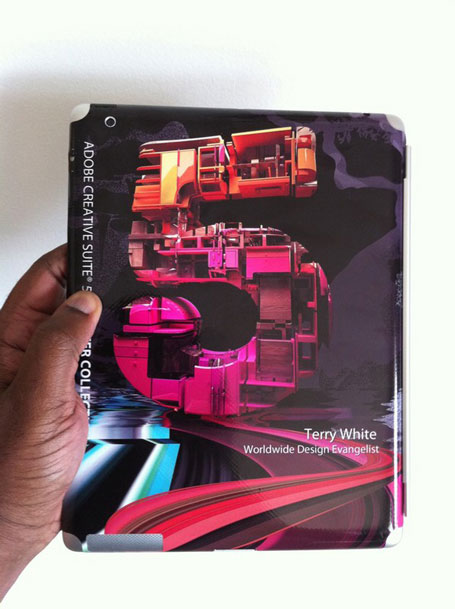
My Custom iPad 2 Gelaskin is Here

Like I said in my iPad 2 Review, I really like the new Smart Covers for the ease of taking them off and putting them on and leaving the dock connecter exposed and dockable in keyboard dock as well as the charging dock. What I didn't like was having the back of the iPad completely exposed to scratches. So as soon as Gelaskins.com offered iPad 2 Gelaskins I placed my order. My custom designed Gelaskin arrived yesterday and fits beautifully on the iPad 2. Most importantly it works great with the Smart Covers. These skins don't use glue, they are vinyl decals that use 3M adhesive, which is repositionable. For example, I moved the one from my older MacBook Pro to my newer MacBook Pro in about 30 seconds. Since these skins are vinyl they are really designed for "looks" and scratch resistance. If you drop your device on a hard surface, it will likely get damaged. If that's your worry then get a case (not a cover or a skin).

I've been very happy with my Gelaskins over the years and this new one makes the outside of my iPad 2 complete.

You can get your own Gelaskin for a variety of different devices here at Gelaskins.com

Great Weekend of Teaching at the Precision Camera University

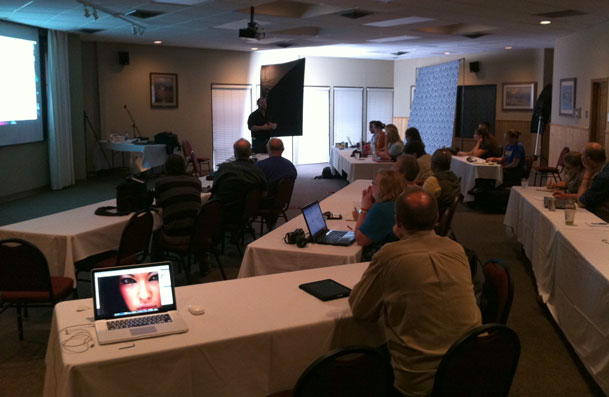
I had the great pleasure of teaching my Digital Photography Lighting and Workflow Session at the Precision Camera University this past weekend. I went into this weekend with quite a bit of trepidation. I was worried that I wouldn't have enough material to fill an 8 hour day (3 days in a row).

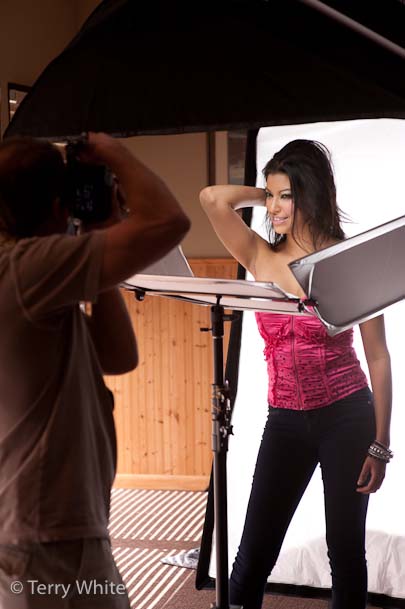
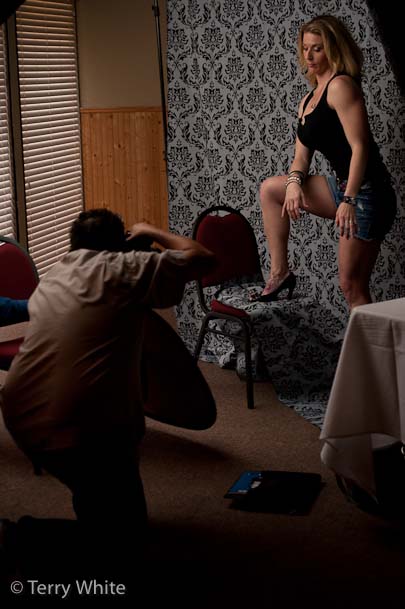
Part of my day was spent showing various lighting setups using the NEW Westcott Spiderlite TD6's and the rest of my day was spent showing my workflow from start to finish including everything from signing model releases with Easy Release on the iPad, importing images into Adobe Lightroom 3 and managing them, delivery of the web proofing gallery via the TTG Highslide Gallery Pro plug-in and retouching in Adobe Photoshop CS5. Needless to say by the time I did all of this and allowed time for the students to shoot using the various setups that I did each day flew by.

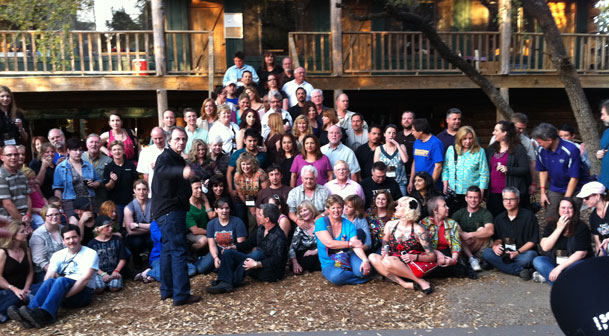
prepping for a group shot with all the attendees, I stole this opportunity to grab one using my iPhone 4.

It was an honor presenting along side Michele Celentano, Tony Corbell and David Guy Maynard at this event. Also I have to thank the staff at Precision Camera for all the hard work that went into coordinating this 3 day event with multiple simultaneous tracks, location scouting and model/makeup/wardrobe setup.


John Williamson was on hand from Westcott

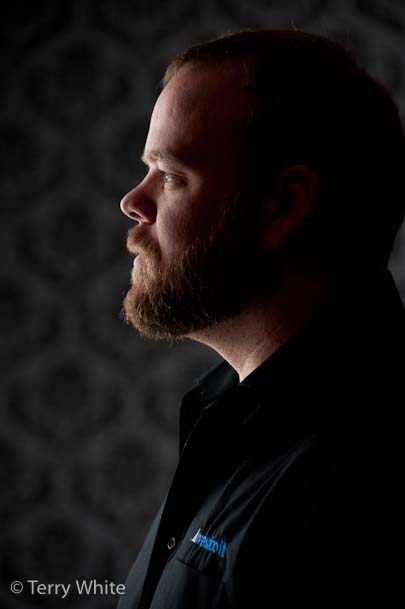
It was a pleasant surprise to walk in and see my buddy John from Westcott. Westcott was one of the sponsors of the event and I was there on their behalf as well as Adobe's behalf. While it was great seeing John again, he was a huge help in my classes acting as photographer assistent and I imposed upon him to kick each day off explaining the six styles of lighting. I've never heard anyone explain it the way he does and I didn't want my class to miss that opportunity. John also made for a very handsome male model 🙂


Briana, Cheryl-Rose, Jennifer & Sarah


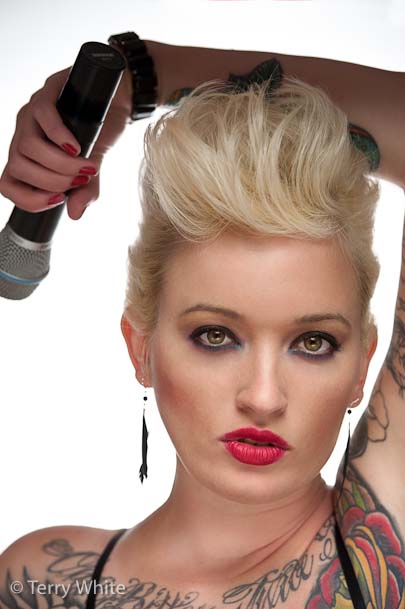
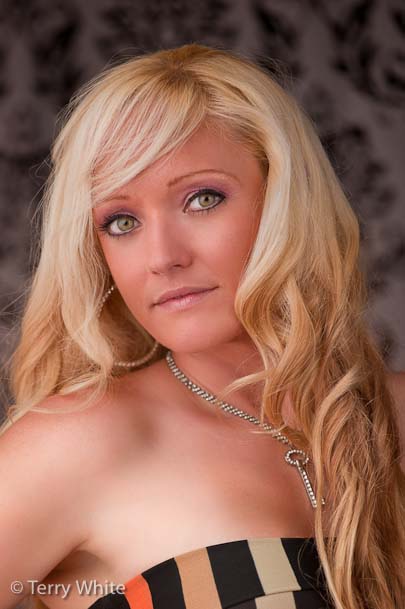
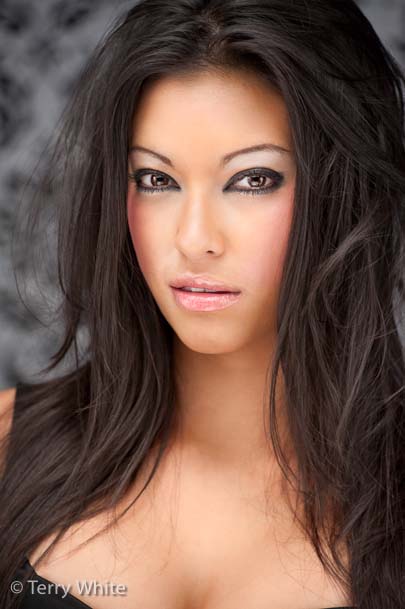
Without the great models this workshop would have been a lot harder to teach!


Thanks!

A Special Thanks goes out to all of my students over the 3 day period. You had a choice in instructors and you chose my class. So I thank you for spending a day with me and hearing what I had to say.

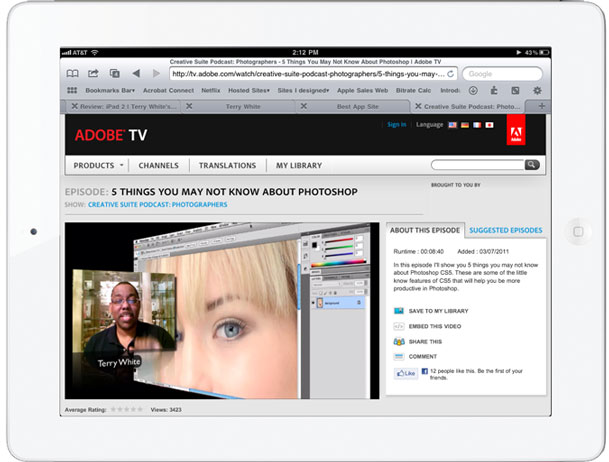
Watch Adobe TV on your iPad

Adobe TV has recently been updated to now stream videos to the iPad. You can now watch hundreds of videos about your favorite Adobe products and technologies directly on your iPad for free. These videos will stream right on the Adobe TV page or you can watch them full screen. Many of the newer episodes are now showing in HD.

You can check out Adobe TV here on your computer or your iPad.

As always you can subscribe to my videos and download them to your computer or iOS devices for FREE here on iTunes.

5 Things You May Not Know About InDesign CS5

httpv://www.youtube.com/watch?v=dpGTT4JP9-k


In this episode I'll show you 5 features that you may not know about InDesign CS5. These are just 5 of the many little productivity features that are under the hood in InDesign CS5 to make life easier for InDesign users each and every time they use the application.


See more of my Adobe Creative Suite Videos on my Adobe Creative Suite Podcast and get the App here. It features EXCLUSIVE CONTENT that no one else gets to see. This episode has a BONUS CLIP that is available only in the App:

Learn Adobe Creative Suite with Terry White - Wizzard Media