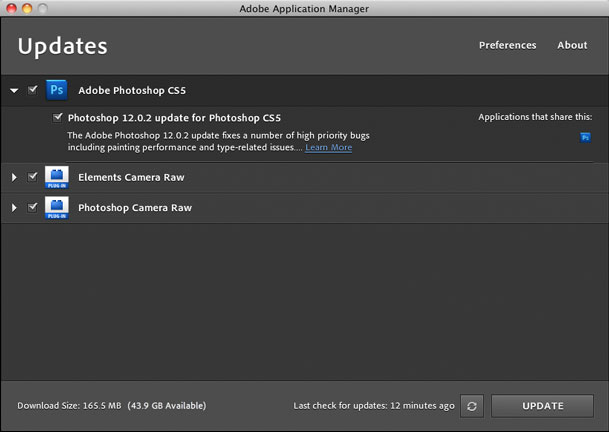
Photoshop CS5, Adobe Camera RAW & Lightroom 3 Updates

Adobe just released updates for Photoshop CS5 (bug fixes), Camera RAW and Lightroom 3


Adobe Photoshop CS5 12.0.2 update

December 7, 2010
The Adobe Photoshop 12.0.2 update fixes a number of high priority bugs including painting performance and type-related issues. The most significant fixes in the Photoshop 12.0.2 update include the following:

  • A number of potential security vulnerabilities have been addressed
  • Top type and font crashers found in the field have been addressed
  • A number of performance issues have been addressed
  • Crash opening 3D layers has been addressed
  • Color Engine crash has been resolved
  • Intermittent file format issues addressed
  • Shift scrolling bug fixed
  • Sharpen crasher fixed
  • Marching ants not seen at certain zoom levels fixed
  • Metadata focus distance issue addressed
  • File info bug addressed for Orphea Studio jpg's
  • TWAIN crashers fixed
  • Brush cursor bug fixed
  • Histogram progress bar issue fixed
  • Droplet issues addressed

Multiple languages: Windows | Macintosh

TWAIN Plug-in update

December 7, 2010
The TWAIN plug-in update includes fixes for multiple document scanning and a crasher when attempting a second scan.

Camera Raw 6.3 Update

December 7, 2010
This new version of the Camera Raw plug-in replaces the original one that was installed with Adobe Photoshop CS5, Adobe Photoshop Elements 9 and Adobe Premiere Elements 9 software. Visit the Camera Raw page for a complete list of supported cameras.

English: Windows | Macintosh

Lightroom 3.3 update

December 7, 2010
The Adobe Photoshop Lightroom 3.3 update includes these enhancements:

  • Additional camera support for several new camera models including the Canon PowerShot 95, Nikon D7000, Olympus E-5.
  • Corrections for issues introduced in previous versions of Lightroom 3
English: Windows | Macintosh

Creating an HTML 5 Website for Photographers in Adobe Lightroom 3

This one is for the Photographers out there!

Adobe Photoshop Lightroom has had web galleries since day one. You can either export out an HTML gallery of your images or a Flash Gallery of your images. Each one of course having its advantages and disadvantages. I find that photographers in general like Flash galleries because of two things: 1) they're (pardon the pun) flashy. You get transitions, animations, zooming, automatic slideshows etc. 2) they offer one more level of image protection by making it harder for people to just right click and download the images. The disadvantage is that not every device can display Flash galleries. If you go with an HTML gallery it can be seen on just about any device, but you lose the flashy appeal. 


What about HTML 5?

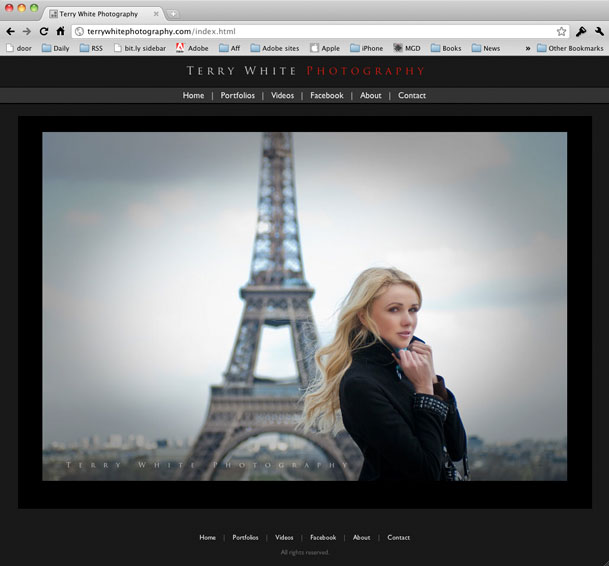
Up until yesterday my photography website was all Flash with an HTML fallback. I loved the features of my template. I loved the animations, image fading and slideshows and while I did have an HTML fallback for those that couldn't see the Flash site the biggest problem was keeping them BOTH up to date. The Flash site was driven by XML and was pretty easy to update with new images.. The HTML part was driven by a Lightroom web engine (more on that later) and required a separate export and upload each time I needed to do an update. It wasn't the end of the world to update them both, but I found myself updating the Flash site more often (because it was faster), which meant that people on non-Flash devices/computers wouldn't see my latest images. Not good!

What's this HTML 5 thing anyway? HTML 5 is next standard of HTML and it's still very much a WORK IN PROGRESS. This is why you don't see a ton of tools for it yet. Also and probably the biggest thing to note is that HTML 5 may never do all the things that Flash can do. This means that it's not a direct one to one replacement. At least not today for sure. HTML 5 authoring isn't just one thing. It's using HTML 5, CSS3 and Javascript. . Actually it's CSS3 that's the really interesting part. If you're really interested in developing in HTML 5 Adobe has already released the HTMl 5 pack for Dreamweaver and Illustrator. Check them out on Adobe Labs. More tools are in the works! Back to the photographers…


My goal

I started thinking about my site and the fact that it was a pain to update and therefore I wasn't updating it as often as I'd like to. Then I started listing the ideal things that I would want to have to make it easier:

  • I'd want as much of the site as possible driven by Lightroom since that's where my images live anyway.
  • Until HTML 5 is further along I still want Flash galleries for those who can see them.
  • The site has to be viewable on devices/computers not running Flash
  • I only want to update ONE set of images. In other words, both the Flash and HTMl version would use the same images.
  • I want Video that plays on everything <-this is not as easy as you think!
  • I don't want to write any code! Writing a line here and there during setup is fine, but I don't want to have to code the thing with every update.


The Turning Gate To The Rescue
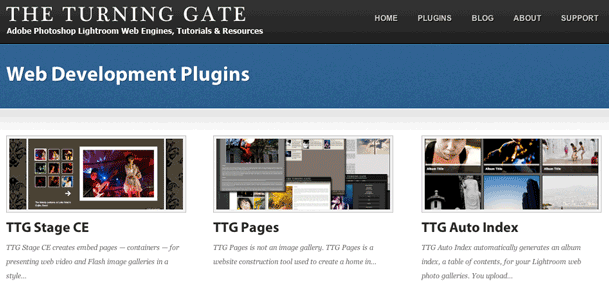
Once again The Turning Gate has come through for me. You might remember my post on using one of their web engines for my client review galleries. Since that review went live I've been working with Matthew Campagna at TTG on the ultimate solution to my goals. After countless emails back and forth (he's a great guy!) on what I wanted and tweaks to his engines based on my feedback I was able to create my entire site from scratch using Lightroom 3 and three TTG plug-ins. 

Continue reading “Creating an HTML 5 Website for Photographers in Adobe Lightroom 3”

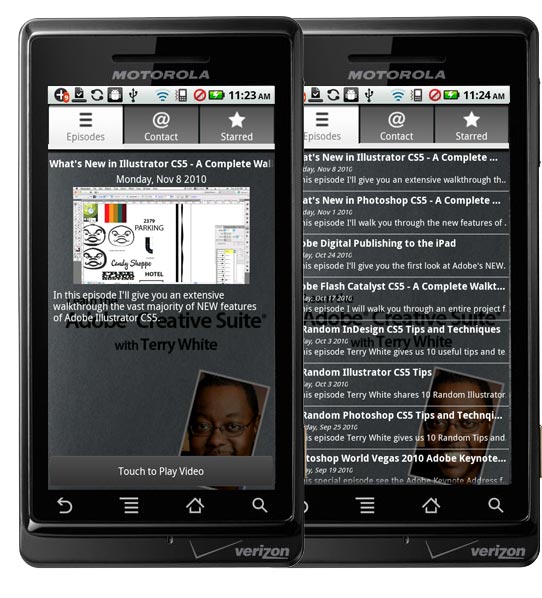
My “Learn the Creative Suite with Terry White” App is now on Android too!

Just a quick heads-up before heading into the weekend. My popular "Learn the Adobe Creative Suite with Terry White" App is now available for Android OS too! Now Android users can get my weekly tutorials, tips and tricks right on their Android devices. Just like the iOS version you'll be able to mark your favorites to view when you want, browse the episodes you want to watch and of course view the exclusive bonus content that is available with many of the episodes. 


$1.99

You can download the Android version here from the 

and of course you can also get it for iOS here from the Learn Adobe Creative Suite with Terry White - Wizzard Media

The native iPad version is in the works.

The Adobe CS5 Pharaohs Tour in Cairo – Photo Trip Report

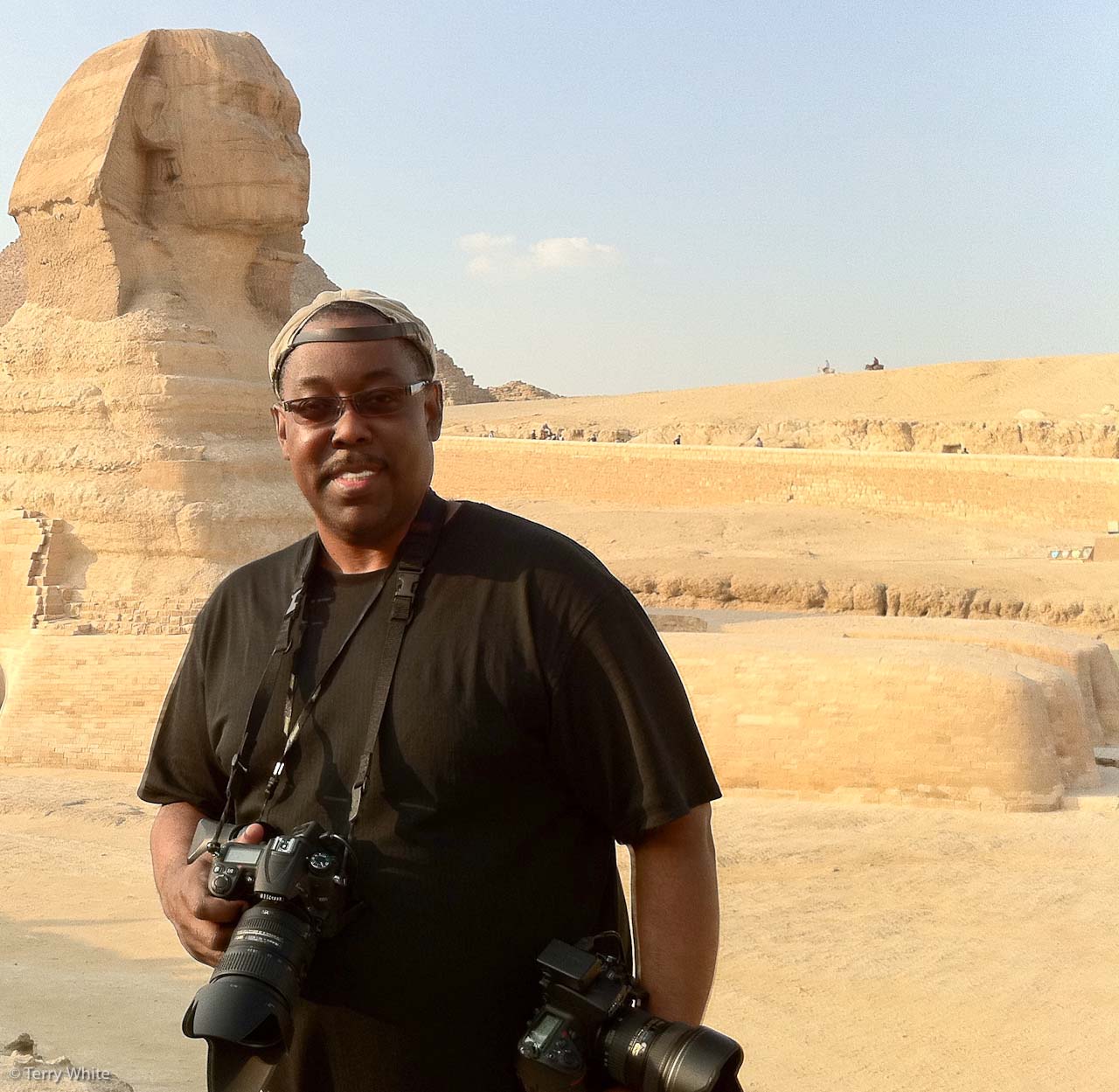
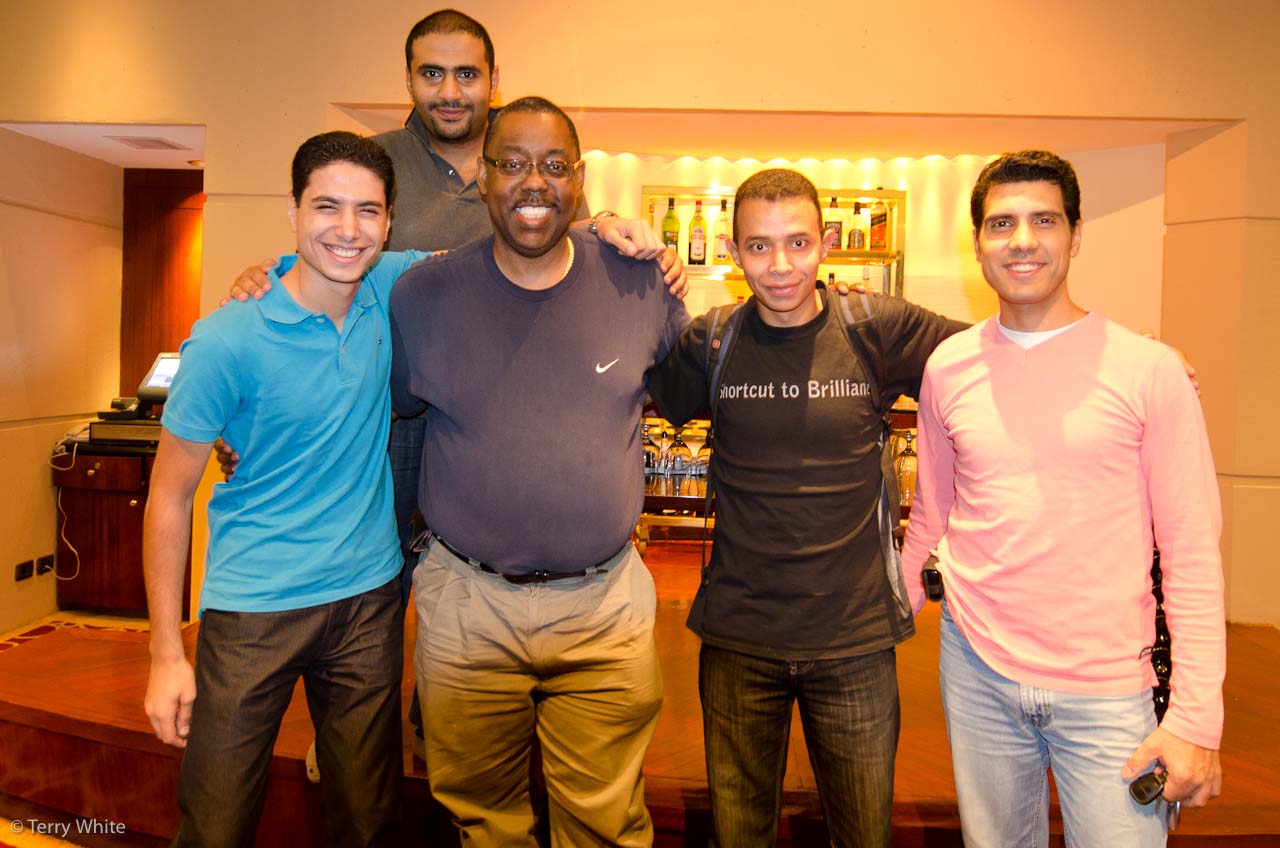
I'm headed back from Cairo as I write this quick post to thank everyone who showed up and supported the CS5 Pharaohs Tour in Egypt! It was an amazing turnout with standing room only. I had a blast, took lots of pictures, met some great new friends and was photographed more in one day than I have been in 10 years 🙂 I'm totally wiped out and therefore I decided to wrap this trip up with more photos than words. Enjoy…

click the images to enlarge


Yes I managed to work in a Fashion Shoot 🙂 – ok back to work!


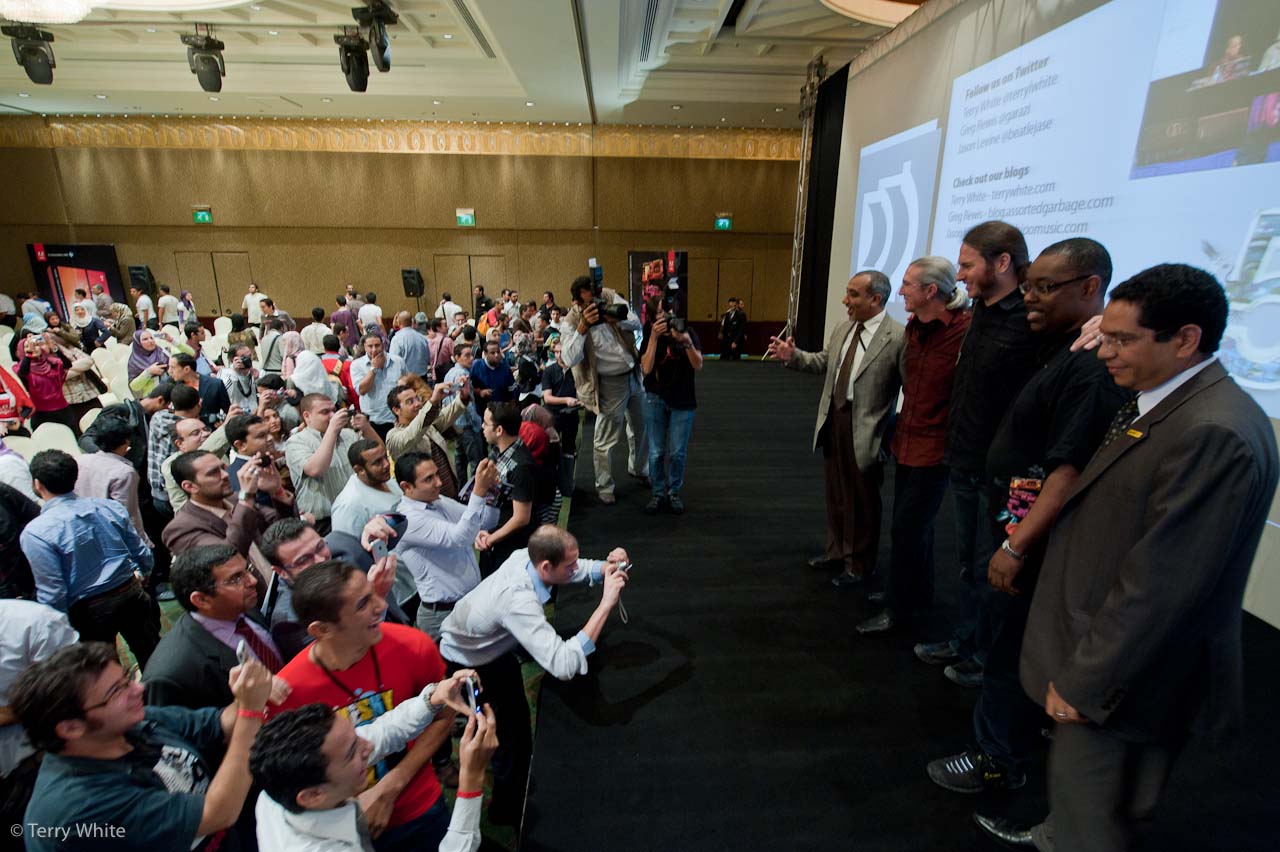
The turn out was absolutely incredible with some traveling as far as South Africa to see this event!


They treated us like Rock Stars! I was floored by the number of fans that were on hand to have the photos taken with us and to take photos of us. I'm truly humbled by the response!


Yes we made it to Historic Old Islamic Cairo. This is a "must visit "if you're in the area.


Special thanks goes out to the Adobe User Group Managers in Cairo! You guys are awesome. Thanks for making me feel so welcomed.


That's all I have time for now, I'm about to board my next flight. See more of my photos here and once again THANK YOU CAIRO! I shall return 🙂

I’m headed to Cairo next week!

It's time to head to the Middle East/Africa for my CS5 Masters Tour! Of course I'm looking forward to seeing all the Adobe Creative Suite users in Cairo as well as the numerous photo ops. So I'll be blogging on location throughout the week with a hectic schedule. If you're in Cairo I look forward to seeing you there. It's my first time back to Egypt since 1990.

If you're going to be in the area register here.