How To Get Started with Adobe Illustrator CC – 10 Things Beginners Want To Know How To Do

Illustrator_CC_totem

One of my most popular videos right now (it’s getting the second most views daily) is my How To Get Started with Adobe Illustrator CS6 video. I figured it was time to make the Adobe Illustrator CC version and here it is. In this episode of Adobe Creative Cloud TV I’ll show you how to get started using Illustrator CC. This is for beginners, first time Illustrator users, and folks who are self-taught and may be missing things. We’ll cover the 10 things beginners ask about the most.

Are you missing out on my Bonus Content?

See more of my Adobe Creative Cloud Videos on my Adobe Creative Cloud TV and get the App below. It features EXCLUSIVE CONTENT that no one else gets to see. This episode has a BONUS CLIP that is available only in the App! My iOS App is a Universal App for iPhone, iPad and iPod touch. I also have an Android version on the Amazon App Store:

.


How To Get Started With Adobe Photoshop CC – 10 Things Beginners Want to Know How To Do

PS_CC_totem

One of my most popular videos right now (it’s getting the most views daily) is my How To Get Started with Adobe Photoshop CS6 video. I figured it was time to make the Photoshop CC version and here it is. In this episode of Adobe Creative Cloud TV I’ll show you how to get started using Photoshop CC. This is for beginners, first time Photoshop users, and folks who are self-taught and may be missing things. We’ll cover the 10 things beginners ask about the most.

Are you missing out on my Bonus Content?

See more of my Adobe Creative Cloud Videos on my Adobe Creative Cloud TV and get the App below. It features EXCLUSIVE CONTENT that no one else gets to see. This episode has a BONUS CLIP that is available only in the App! My iOS App is a Universal App for iPhone, iPad and iPod touch. I also have an Android version on the Amazon App Store:

.


I’m Headed To A City Near You! #CreateNow

wpid12436-BOtWnO3CMAAdPDO.jpg-large_sm.jpg
photo by Jason Levine

Today I head out on the Adobe Create Now World Tour. I’ll personally be making stops throughout the US and Canada. My 1st stop is Portland tomorrow and I’m looking forward to seeing YOU! To see all the tour stops, go here.

I also recorded a couple of QuickTip videos to whet your appetite for the kinds of things I’ll be showing on tour:


Adobe Creative Cloud Bundle For Photographers Announced at Photoshop World

PS_CC_totem

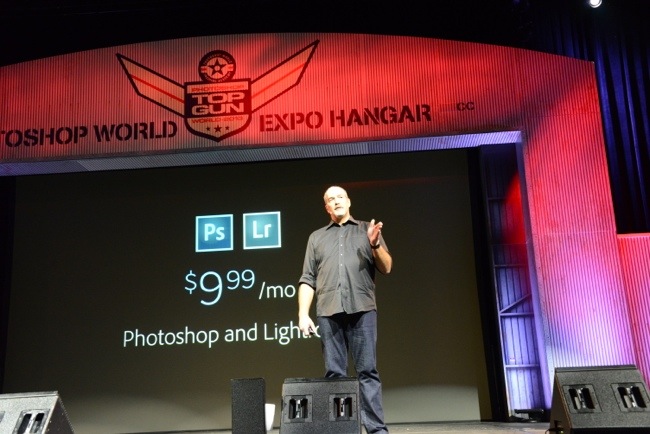
Adobe Creative Cloud makes a lot of sense for a lot of creative users. More than 700,000 paid members have joined Creative Cloud since its introduction and they enjoy the benefits of having access to all the Apps, Services and regular feature updates. However, we’ve heard and listened to the feedback from Photographers and one common request was a solution specifically tailored to this market. A solution that would give them both Adobe Photoshop CC and Lightroom 5 for a more reasonable monthly cost. I’m pleased to announce that at Photoshop World Las Vegas we’re announcing a special offer for our loyal Photoshop customers. Beginning today, customers who own Photoshop CS3 or higher are eligible for a special Creative Cloud membership offer that includes all of the following for just $9.99/month!:

  • Photoshop CC
  • Lightroom 5
  • 20 GB of online storage
  • Behance Prosite
  • Access to Creative Cloud Learning Resources
  • Ongoing feature upgrades and updates

To be clear, $9.99 is NOT an introductory price. It is the price for those who sign up by December 31st, 2013. This offer will be at the same time we release the new version of Lightroom 5.2 in a couple of weeks. Check back here or follow Photoshop and Facebook or Twitter to find out when the offer goes live.

UPDATE: The Photoshop Photography Program is NOW LIVE! Check it out HERE
20130904-102154.jpg
If you missed the Photoshop World Keynote you can watch the replay here.

For general questions about Creative Cloud, please see the Creative Cloud FAQ

Q: What is the Photoshop Photography Program Offer?
A: This offer includes access to Photoshop CC and Lightroom 5, plus feature updates and upgrades as they are available, 20GB of cloud storage for file sharing and collaboration, a Behance ProSite, and access to the full library of video tutorials in Creative Cloud Learn.
This offer is available to customers who own a previous version of Photoshop or Photoshop Extended product, version CS3 or later (CS3.x, CS4, CS5.x, or CS6). Suites do not qualify. Requires annual commitment, billed monthly.
Offer valid through December 31, 2013 and is available in countries where Creative Cloud is purchased directly from Adobe.com. This offer is not available in China, Vietnam or Turkey.
Q: Can I get Adobe Bridge CC with the Photoshop Photography Program Offer?
A: Yes. Bridge CC is available for download and use as part of your Creative Cloud membership.
Q: I am already a Creative Cloud member; do I qualify for this offer?
Existing Creative Cloud members who wish to transition to this offer must own a previous version of Photoshop or Photoshop Extended product, version CS3 or later (CS3.x, CS4, CS5.x, or CS6). Suites do not qualify.
Those who meet the qualifications have two options:
Creative Cloud Single App members for Photoshop CC who already completed the qualification process when they originally signed up for their membership will be automatically transitioned to this new program when it ships, with the additional benefits and lower ongoing price.
All other Creative Cloud members who meet the qualification requirements may contact Adobe Customer Service to discuss transitioning their membership to this new offer.
Q: I own an earlier version of Lightroom but not Photoshop. Do I qualify for this Photoshop Photography Program offer?
A: Only customers who own a previous version of Photoshop CS3 or later qualify for this offer.
Q: Will the cost of my membership increase?
A: This price is not a special introductory price for your first year only; it is the standard price for this level of membership. Customers who sign up by December 31, 2013 will be able to continue their membership at the same price. But if you cancel your membership in the future, you will not be able to re-join at this special price.

What I’m Teaching Next Week at Photoshop World Vegas


photo by Jason Lykins

PSW-Vegas-Wed

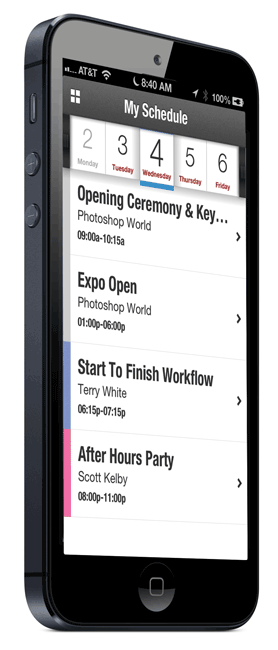
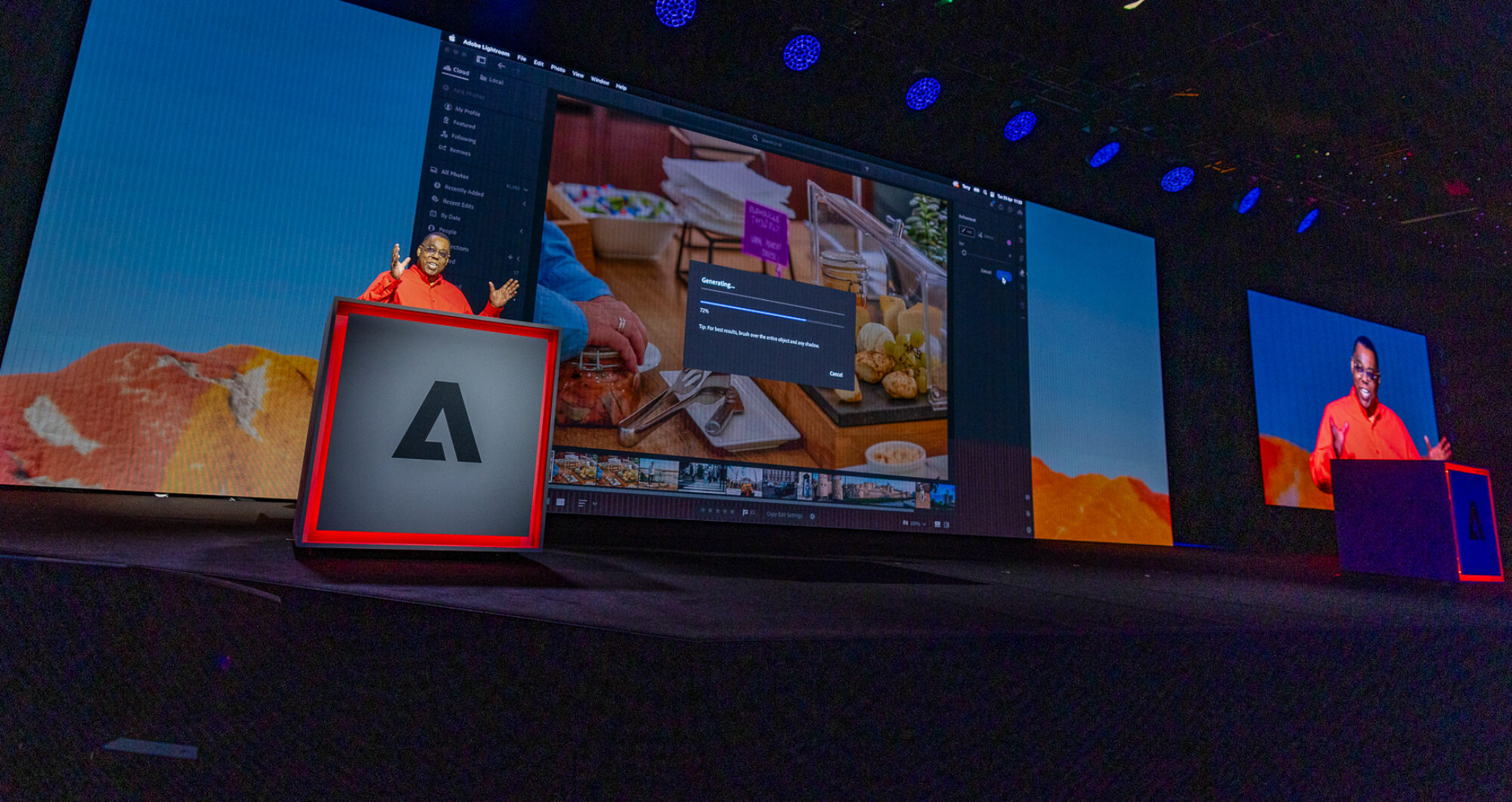
Let’s do it again. Time for me to head to Photoshop World West, which takes place this week in Las Vegas Nevada. I’m looking forward to seeing you all there and I’ve got some new classes on tap that I’m excited about. I’ll be teaching two classes on the conference track. The 1st is my usual “Intro to InDesign” and I’m doing a new class on my “Lightroom Workflow from Start to Finish”. I’m also doing a new class that is being added as we speak called “Easy Website Creation”, which is focused around Adobe Muse CC and as usual I’ll be in the Adobe booth from time to time giving sessions on Creative Cloud (Wednesday thru Friday). Based on the huge success of my “How To Create Websites with Adobe Muse” from the Orlando show, they’re repeating it this year again on the show flow in the Kelby Theater on Thursday at 4PM.

I’ll also be in the Westcott booth from time to time. So I’ve got a pretty packed schedule, but it’s one of the few conferences each year that I really really look forward to. Be sure to stop by and say hello. Also be sure to grab the newly redesigned Photoshop World iOS App for your iPhone, iPad and iPod touch complete with iCloud syncing.

.


Continue reading “What I’m Teaching Next Week at Photoshop World Vegas”

Join Me On The Adobe Create Now North America Tour

AdobeCreateNowBanner 2013-CreateNow-0041

It’s time to hit the road again! However, this time most of the stops will be right here in the USA and Canada. Join me, Jason Levine, Paul Trani and other Adobe Evangelists as we hit many US/Canadian cities with our Adobe Create Now US Tour covering Design, Photography, Web and Video presentations. While I personally won’t be at every single event, I will be at most of them. Stay tuned to my events listing in the sidebar of my blog to know which ones I’ll be at personally.

For a list of cities and registration information go here.

What’s New in the Adobe Muse CC August 2013 Update

adobemuselogo


In this episode of Adobe Creative Cloud TV, I’ll show you what’s new in the August 2013 Adobe Muse CC update. There are updates to the way it handles active states of anchor links as well as a New Scroll Motion Panel. One thing I forgot to show in the video was that the Scroll Motion effects now work on iOS Devices such as iPhone and iPad.

Are you missing out on my Bonus Content?

See more of my Adobe Creative Suite Videos on my Adobe Creative Cloud TV and get the App below. It features EXCLUSIVE CONTENT that no one else gets to see. This episode has a BONUS CLIP that is available only in the App! My iOS App is a Universal App for iPhone, iPad and iPod touch. I also have an Android version on the Amazon App Store:

.


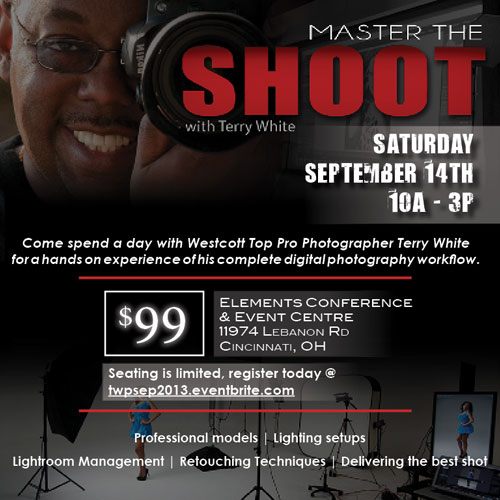
TWPworkshop_OH_SQUARE


How To Use Adobe Camera RAW as a Filter in Photoshop CC

PS_CC_totem

The beauty of Adobe Camera RAW (ACR) is that it provides you with a non-destructive way of making several adjustments to your images easily. However, the problem has always been that once you were in Photoshop and you had an image open, if you wanted to edit that image in ACR you would have to close it first and reopen it in ACR. Now with Photoshop CC you can use ACR with ANY layer on any image without having to close it first. In this new episode of Creative Cloud TV I show how to use the new Camera RAW Filter in Photoshop CC.


Are you missing out on my Bonus Content?

See more of my Adobe Creative Suite Videos on my Adobe Creative Cloud TV and get the App below. It features EXCLUSIVE CONTENT that no one else gets to see. This episode has a BONUS CLIP that is available only in the App! My iOS App is a Universal App for iPhone, iPad and iPod touch. I also have an Android version on the Amazon App Store:

Learn Adobe Creative Suite with Terry White - Wizzard Media


Thank You New Delhi, Chennai and Bangalore

tw-onstage-india
photo by Jason Levine

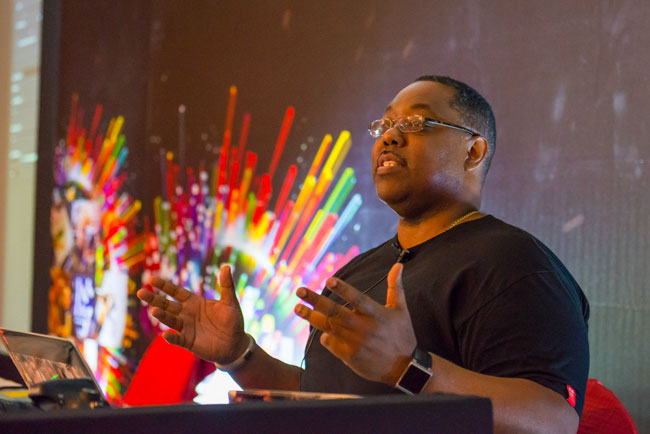
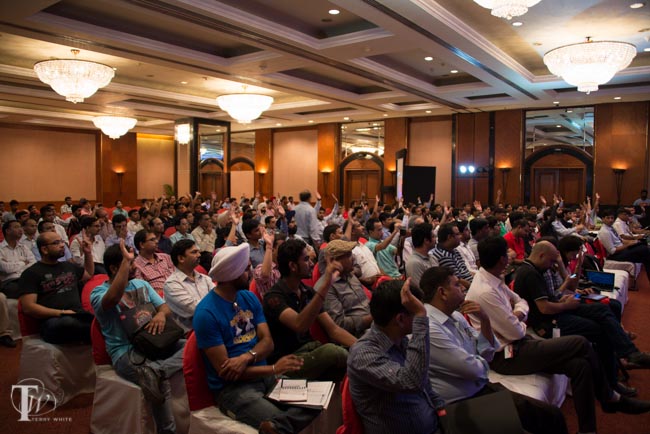
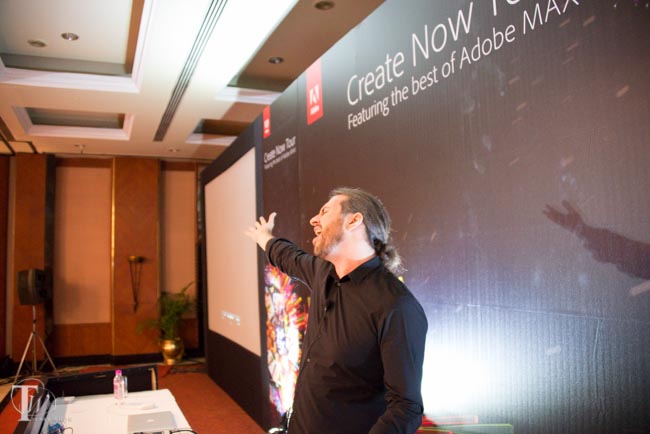
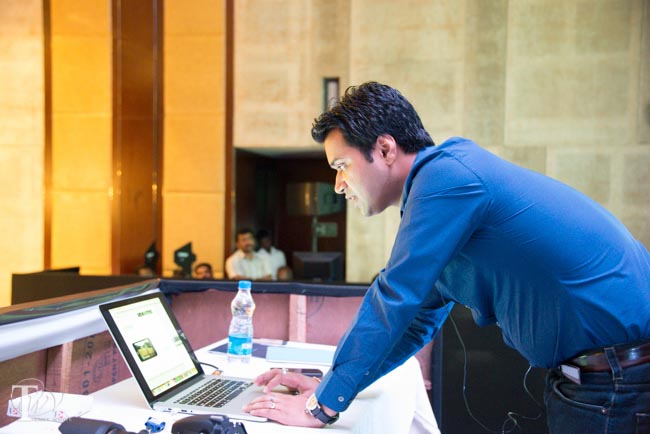
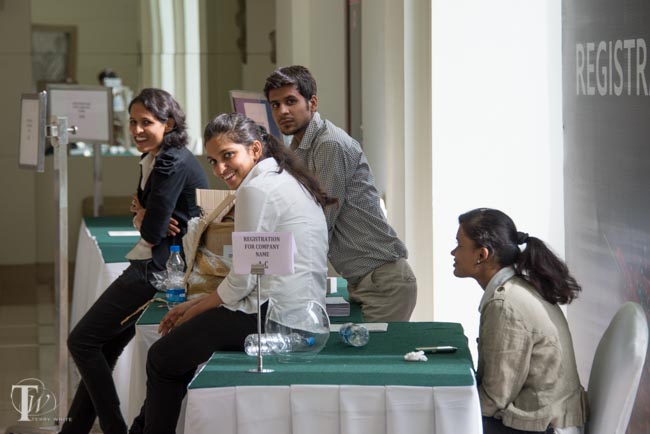
Once again I had to take a moment out of my hectic travel schedule to thank the over 1,100 people that came out to see my Adobe Create Now shows in India.

wpid12465-TLW6532_sm.jpg

After leaving Singapore, we headed to New Delhi in India. This was my first time back to India since 2010 and my first time in New Delhi, Chennai and Bangalore.

wpid12471-TLW6592_sm.jpg
Jason is a huge Bollywood fan and couldn’t resist the chance to break out into song on stage. He was a huge hit with the crowds.

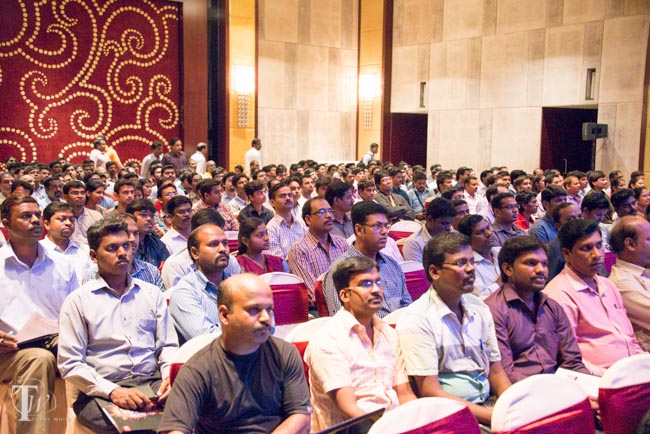
In each city the story was the same. Hundreds of Creatives, Photographers, Web Developers and Videographers came out to see the new Adobe Creative Cloud offering.

wpid12469-TLW6538_sm.jpg

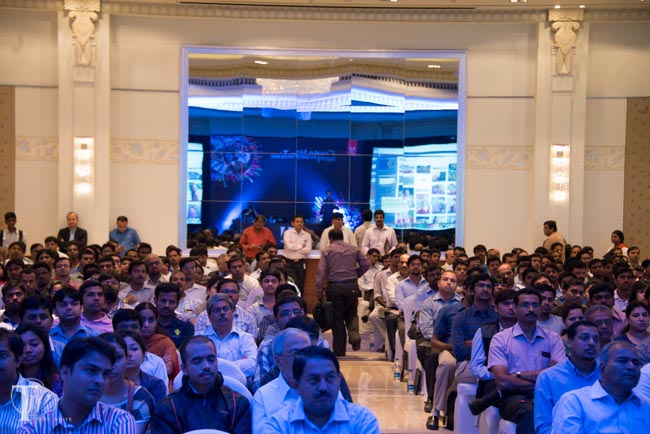
In each city the venues were filled to capacity with standing room only in most cases.

wpid12473-TLW6603_sm.jpg

We were joined on stage by our local colleagues Abhijit Ghosh (photo above) and Hitashi Garg, but Hitashi and Abhijit covered the web portions of the day.

wpid12467-TLW6598_sm.jpg

wpid12475-TLW6701_sm.jpg


wpid12482-TLW6619_sm.jpg

The Bangalore event was standing room only and since we had later flights out that night we were able to show more tips and techniques during the shootout at the end.

wpid12461-Bangalore-0001-Edit_sm.jpg

I had a chance to do a little photography in Bangalore before heading out.

wpid12477-TLW6710-Edit_sm.jpg
A view from my room in Bangalore


wpid12479-TLW6680_sm.jpg

Thank you India and I hope to get back there again…