

I’m on Sabbatical!

Believe it or not I'm celebrating my 15th year at Adobe and one of the perks of being an Adobe employee is a generous Sabbatical program every 5 years. By this being my 15th year I get 6 weeks off! Many say it's well deserved and I'm not going to weigh in on that one way or the other, but I will say that it's much needed!


What are my plans?

The 1st thing that people ask is "where are you going on sabbatical?" That's a good question. However, as disappointing as this sounds to many, I have no travel plans at the moment. Sure I may pick up and go somewhere cool if the mood hits me (and Hawaii comes to mind), but as someone who travels the globe over 200 days a year for a living, traveling for pleasure is not the first thing that comes to my mind. So what will I do with my free time? I'll spend most of this time with family and doing the things that I enjoy, like photography.
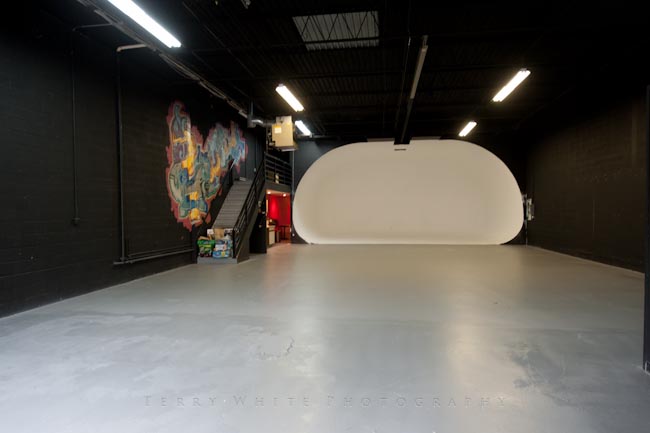
I just moved into a NEW 4,800 sq ft. studio and I'll be working on that little side project for sure. 🙂
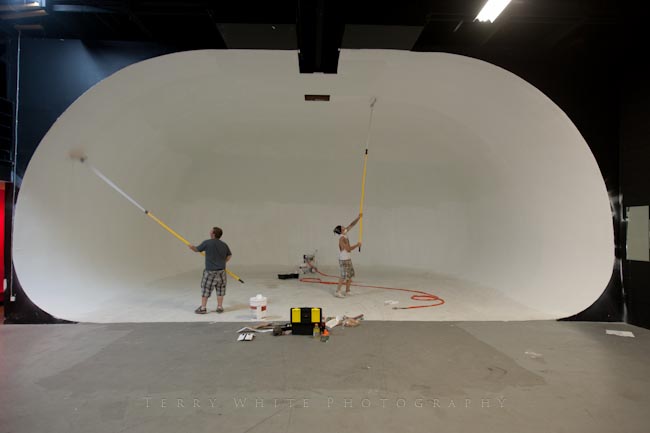
 

A fresh coat of paint going on by my very talented painter Chris Houghton
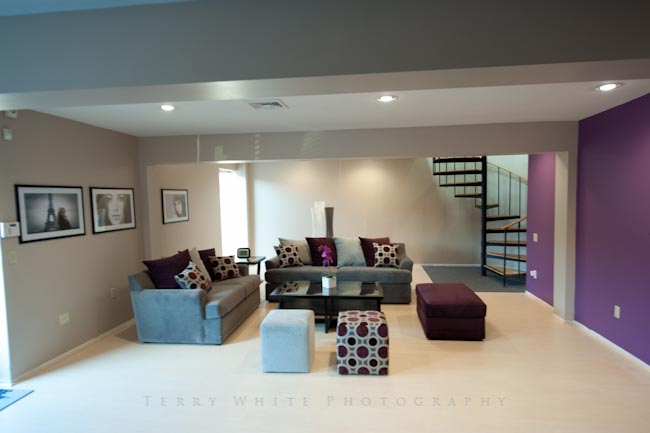
 

My environmental portrait area by my amazing interior designer W. Taharqa Blue is coming along nicely 🙂


What about blogging and podcasting?

Since I blog and podcast for a hobby, I don't plan on really taking a break from it. However, I will say that for the next 6 weeks I won't stress over not having a post ready every day/other day. So if I go a couple of days without posting here and there, you'll understand. My first official day back to work will be when I get to Photoshop World Vegas.

Look for studio updates, photos and of course gadget reviews as I have them.

Cheers and Happy Monday!
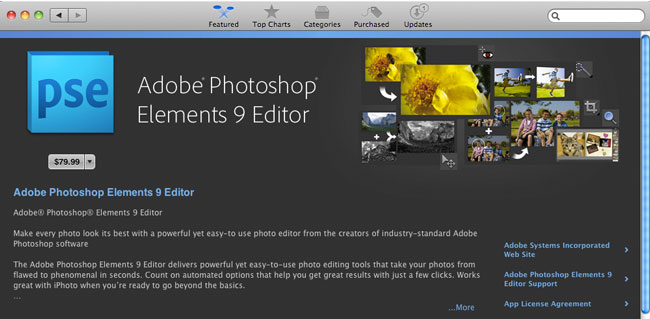
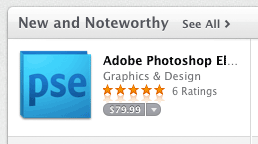
Photoshop Elements 9 on the Mac App Store

Aside from already being a great bargain, there's is a side benefit to having Adobe Photoshop Elements 9 on the Mac App Store. Like all Apps from the Mac App Store, you'll now be able to install Photoshop Elements on as many Macs as you own for the one price. That may not mean much for some, but for those that found the license  limit of two computers a bit too limiting, you'll now be able to install Photoshop Elements on each of your Macs. Of course this only applies to newly purchased copies via the Mac App Store and not existing shrink wrap licenses. 

You can get your copy of Photoshop Elements 9 for $79.99 here from the iTunes


Already own Elements?

Here are several free videos on how to use Adobe Photoshop Elements.

InDesign CS 5.5 from Start to Finish

httpv://www.youtube.com/watch?v=F4I809YXmZ4


In this episode of the Adobe Creative Suite Video Podcast I'll start with no document open and show you how easy it is to go from nothing to a good layout in a matter of minutes.

See more of my Adobe Creative Suite Videos on my Adobe Creative Suite Podcast and get the App here. It features EXCLUSIVE CONTENT that no one else gets to see. This episode has a BONUS CLIP that is available only in the App:

Learn Adobe Creative Suite with Terry White - Wizzard Media


Lightroom: Dude! Where are my car photos?

httpv://www.youtube.com/watch?v=eNxh6XC4vtA


In this episode of the Adobe Creative Suite Video Podcast we'll tackle one of things that confuses most new Lightroom users and those switching from Adobe Bridge to Lightroom. The question of "where are my photos and what has Lightroom done with them?" will be answered.

See more of my Adobe Creative Suite Videos on my Adobe Creative Suite Podcast and get the App here. It features EXCLUSIVE CONTENT that no one else gets to see. This episode has a BONUS CLIP that is available only in the App:

Learn Adobe Creative Suite with Terry White - Wizzard Media


Gracias Mexico City!


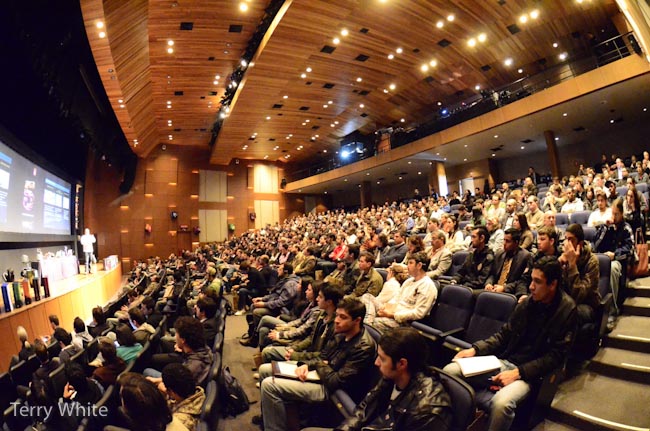
What a way to end the 3rd leg of our Adobe CS5 Evolution Tour! Mexico City was the last stop of this leg and definitely one of the most fun in terms of a very cool venue and great audience. We have typically held these events in convention centers or large movie theaters. However, in Mexico City we walked into a two story night club.

I had this strong urge to whip out two turntables. I'm not sure why.

The music was thumping and it was "Club Adobe" all the way. Granted there was no dancing (dang it!), but there was a lively party atmosphere as we showcased design, web, mobile authoring and video/audio workflows to the 500 attendees on hand.

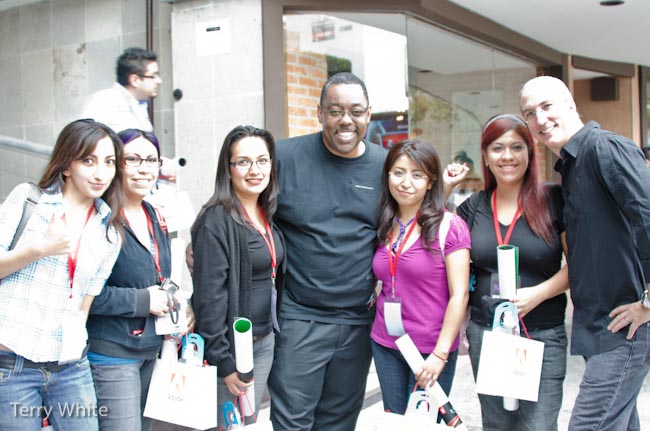
It was great to see so many fans too.


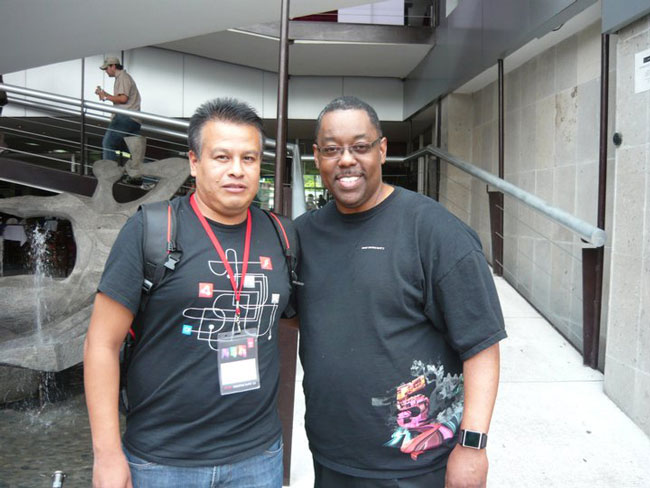
Gilberto runs the Adobe Mexico Users Group.


Time for a much needed Sumer Vacation! Stay tuned for more tour dates and events.

Thanks Sao Paulo Brazil!

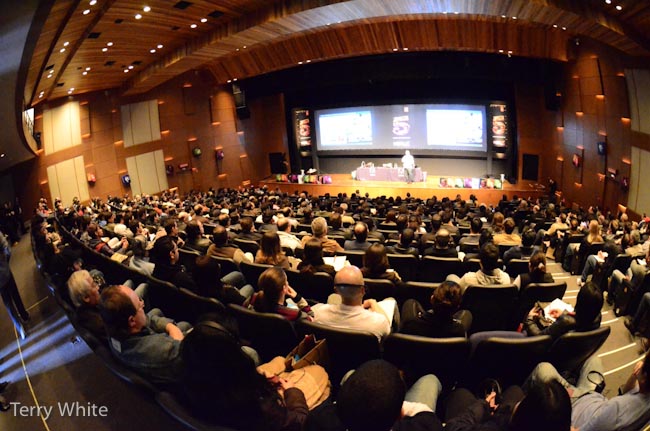
Wow! Thanks Brazil for a fantastic day. You guys rock and were definitely one of the most energetic crowds we've presented to to date. We're all pumped and can't wait to come back.


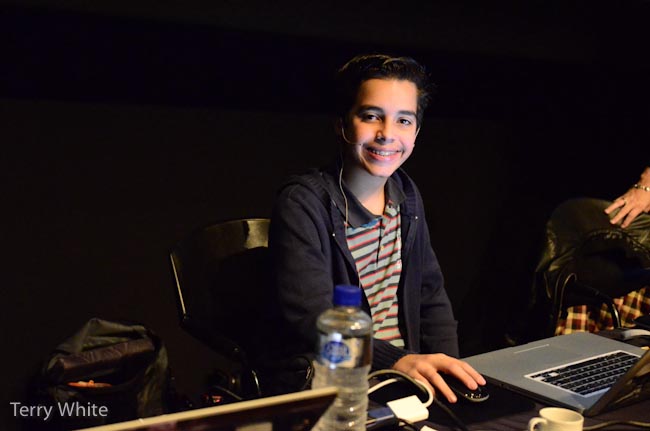
It was great to start the day with young 13 year old Breno on stage to kick things off with a Content Aware Fill demo.


Thanks again Brazil!

We look forward to seeing you all in Mexico City Tomorrow. Be sure to search/follow the #CS5Evolves hash tag on Twitter.

Polleverywhere.com Powers My LIVE Audience Polls


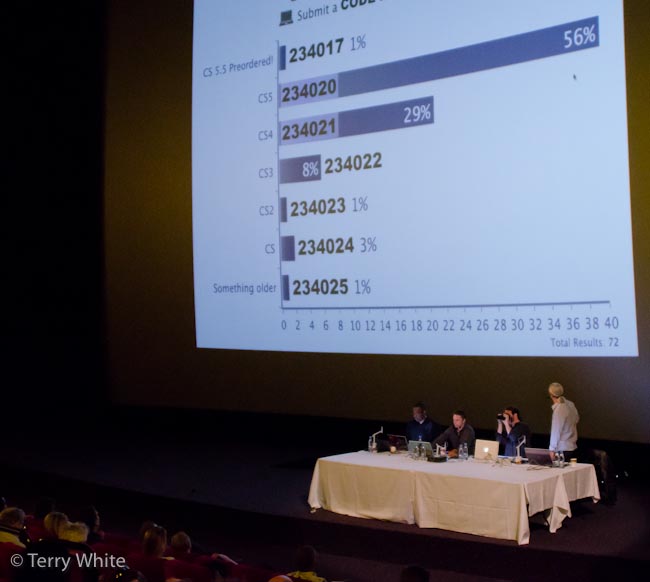
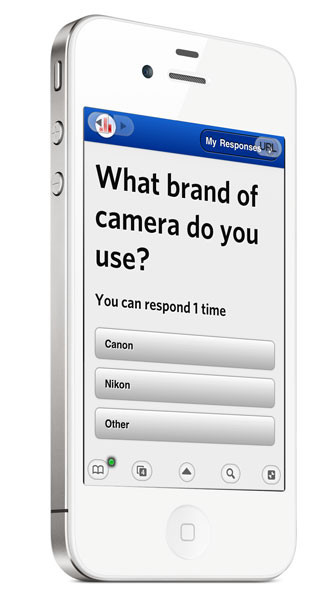
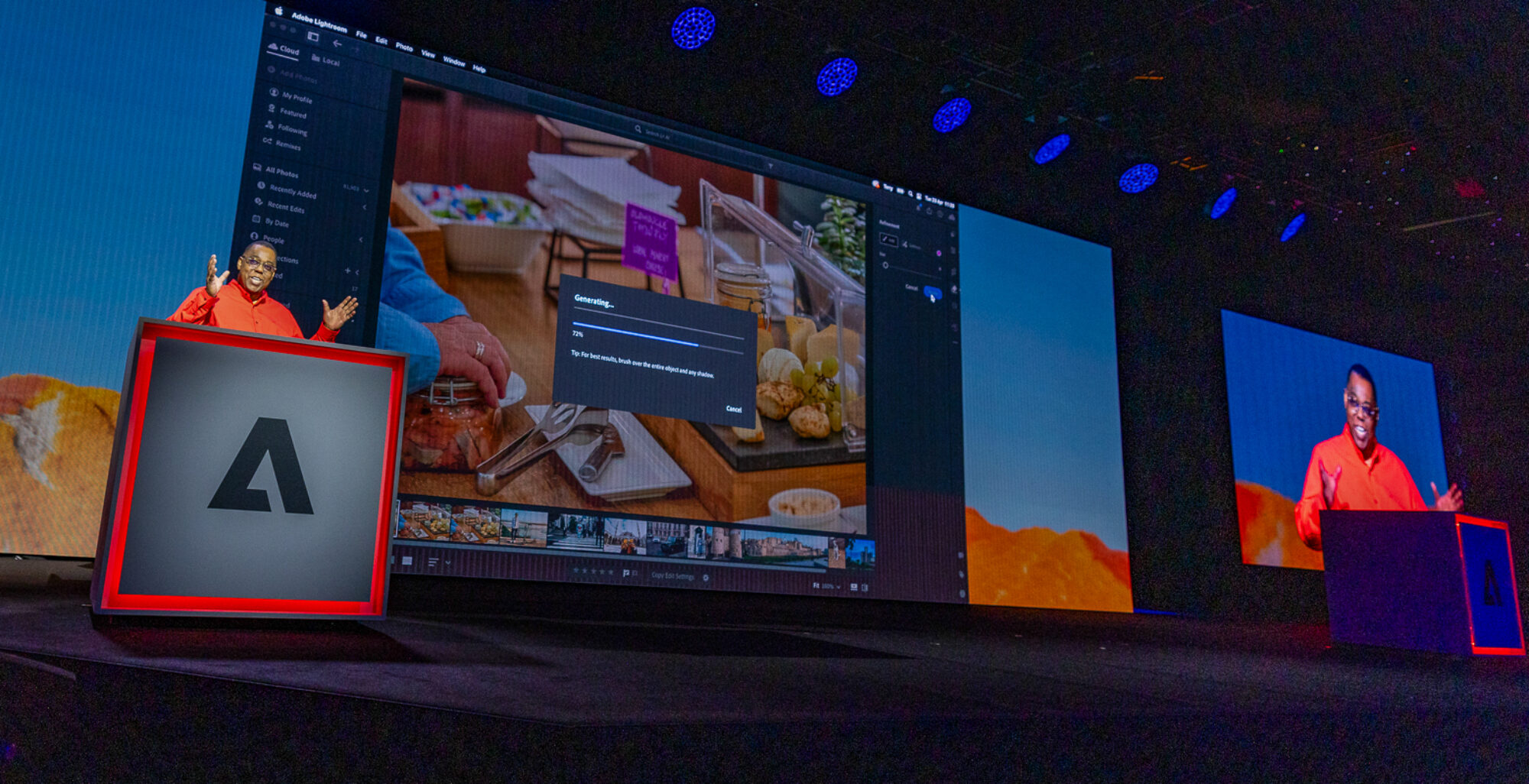
If you've attended any of our tour stops on the Adobe CS5 Evolution Tour or if you were at the Adobe Photoshop World Keynote in Orlando, then you may have seen us do a live poll of the audience. Rather than simply asking for a show of hands, audience members participated with their mobile devices. Polleverywhere.com is a web based service that allows you to setup and conduct Live Polls in real-time. The cool factor is that the poll results come in and can be displayed in real-time. This usually gets people a little more involved when they see that they can actually drive the results right in front of their eyes.

Another option is the ability to create a custom URL where your users will go on their devices and instead of keying in the onscreen codes, they'll actually see the poll questions on their own screens and the responses are then tappable. When you switch to the next question their browser will update on the fly.


How does it work?

Once you setup an account, you can then start to create your Polls ahead of time. During your event, class, seminar, etc. you can then bring up the site, go full screen and people can answer the questions by either using SMS texting (standard text messaging rates do apply) to a local/regional number for the area that you are conducting the poll in OR they can simply go to the mobile friendly poll4.com web page on their device and enter the codes there for free. You can even enable the Poll via Twitter so that people can Tweet their responses and lastly there is the option to have a Private Link like this one. The page uses Adobe Flash to update live and in real-time. As the votes come in the bars will move for all to see. The data is saved to your account and you can close the polls whenever you like to prevent further voting.

If you don't want to do it live there are several options for embedding the polls into your website, like I've done here (click on your answer):


The results can also optionally be embedded for all to see as either LIVE update via Flash:

Continue reading “Polleverywhere.com Powers My LIVE Audience Polls”

Use a New Feature in Adobe Bridge CS5 to Batch Rename Part of the Filenames of Your Images

httpv://www.youtube.com/watch?v=L2vrZv93zZg


In this episode of the Adobe Creative Suite Video Podcast I'll show you how to take advantage of a NEW feature in Adobe Bridge CS5 that allows you to do a Batch Rename on a folder of images, but only changing part of the names to what you want while leaving the rest of the name intact. String Substitution baby!

See more of my Adobe Creative Suite Videos on my Adobe Creative Suite Podcast and get the App here. It features EXCLUSIVE CONTENT that no one else gets to see. This episode has a BONUS CLIP that is available only in the App:

Learn Adobe Creative Suite with Terry White - Wizzard Media