
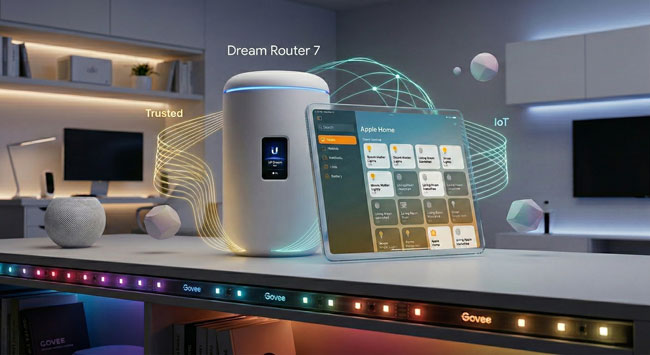
Just over a year ago, I published a video tutorial on how to configure a UniFi IoT VLAN and Zone-based firewall rules for an Apple Home smart home. While that setup worked beautifully at the time, the smart home landscape has evolved rapidly over the last year—especially with the explosion of Matter-over-Wi-Fi devices.
If you followed that original video, you might have noticed that newer accessories (like Govee Matter lights) pair successfully but then inevitably throw a dreaded “No Response” error in the Apple Home app a few minutes later.
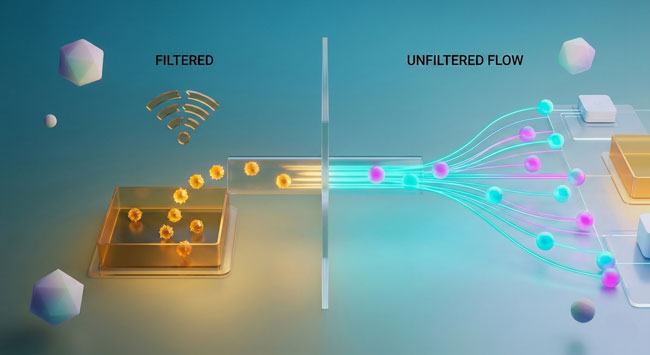
After diving deep into the latest UniFi OS updates and the strict networking requirements of the Matter protocol, I’ve completely overhauled my UniFi configuration. We are ditching the tedious port-specific firewall rules and fixing the multicast settings that are silently breaking your smart home.
This is important: While I initially visualized this setup around a UDM-Pro, UniFi’s form factors have diversified. But whether you have a cylindrical Dream Machine or Dream Router, or a rack-mount Dream Machine Pro, Pro Max, or next-gen Gateway, they all run the exact same UniFi OS, and this guide is the definitive update for all of them.
Here is the bulletproof way to configure your modern UniFi gateway for Apple Home, Home Assistant, Homey Pro, and Matter.
1. Ditch the Port Rules for “Stateful” Firewall Rules
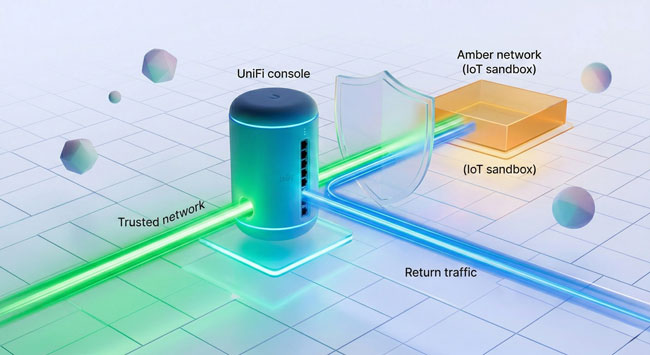
In my original video, I had you create a Network Object for specific ports (80, 443, and 5353 for mDNS) and build rules around them. Delete those rules.
Continue reading “Secure Your Smart Home in 2026: Unifi IoT VLAN Firewall Rules for Apple Home & Matter Users!”